
The latest version of Windows 10 1903 has been rolled out not long ago and many users have upgraded Windows 10 to the latest version. But now Microsoft has issued some warnings for users who want to upgrade to the Windows 10.
The Warnings for Windows 10 Update
In general, the Windows update brings will bring some new features and fix some problems. And some users also want to upgrade their operating system to the latest version. However, some problems also occur when upgrading Windows 10. For example, Windows 10 update may give rise to data loss. Thus, they also look for ways to stop Windows 10 update.
At the same time, Microsoft has put forward some warnings for Windows 10 update.
First of all, let’s look at the first one.
Windows has claimed that the security update of Windows will intentionally break some Bluetooth devices including some crucial hardware such as the security fobs, forcing them to upgrade the latest version. Microsoft has claimed that it will push this update to the all version of Windows 10 as well as the Windows 8.1, so they can’t escape, too.
After you have installed the security updates released on June 11, 2019, you may encounter the problems of paring, connection or using some certain Bluetooth devices. These security updates address these security bugs by intentionally preventing the connection from Windows to the unsecured Bluetooth devices.
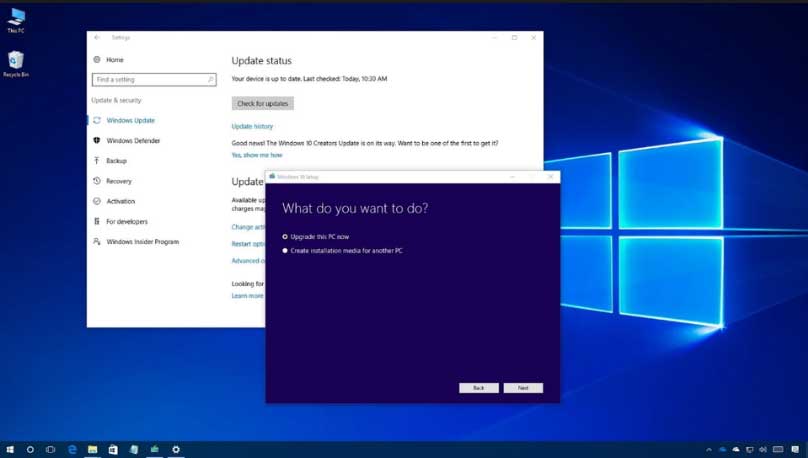
Any devices that using the well-known encryption connection will be affected including some security fobs.
Microsoft doesn’t give a clear definition of the well-known security keys. But the long and short of the company’s reputation intentions have been damaged by its failure to give any sort of advance notice.
But from the above situation, how can you know whether your device has been affected. As a matter of fact, when your Bluetooth devices stop to pair, your devices have been affected.
As to the solutions, Microsoft tells the affected users to contact the manufacturer of the Bluetooth to make sure whether there exists the update of their devices. If it doesn’t, it means that your Bluetooth devices may be out of date and you need to upgrade it.
There is no doubt that the security of is the key point you need to take into consideration when you perform Windows update. However, according to above Windows update warning, it is recommended to create a system image before updating Windows 10 to the latest version. Thus, to back up Windows 10, you can use the professional Windows backup software – MiniTool ShadowMaker to have a try.
It can successfully help you to back up the operating system, files, folders, disk and partition.
How to Back up Windows to Safeguard Your Computer? Try MiniTool!
With this backup image, you can perform some recovery solutions when some accidents happen and to solve prevent some Windows 10 update problem.
Final Words
After reading this post, you can get a brief understand of the Windows 10 update warning. And this post gives you an introduction a Windows 10 update problem of the Bluetooth device. In addition, since the Windows 10 update would give rise to some problems, you had better create a system image before updating.
User Comments :