
Windows 10 is a popular operating system and many users choose to use it. Students can use it for free or at a lower discount. Now, this post from MiniTool introduces how to get Windows 10 student free for you.
Windows 10 has several versions including Windows 10 Home, Pro, Enterprise, Education, Mobile, etc. If you are a student, it’s recommended to use Windows 10 Education since it’s free. Besides, there are some other methods to get Windows 10 free for students. Next, we will introduce how to get Windows 10 student free.
Also see:
- How to Get Windows 10 for Free? Try These Ways!
- Windows 10 Education vs Pro: Should I Use the Education Edition?
How to Get Windows 10 Student free
Way 1: Windows 10 Education Student Discount
Microsoft usually has cooperations with schools, colleges, and universities, allowing their students to use Windows 10 Education for free. As for features, Windows 10 Education Edition is the same as Windows 10 Enterprise Edition but equipped with tools designed for students and teachers.
To get Windows 10 student free, you must register at a college or university. You can visit the OnTheHub website and enter your college’s name to check if your college or university is qualified. If your college or university meets the conditions, you can download the free upgrade after entering some personal information such as your name, email, and student ID.
Way 2: Windows 10 Enterprise Free Trial
If you are a student and want to use Windows 10 for free, you can try Windows 10 Enterprise Trial. Microsoft provides a 90-day free trial period for Windows 10 Enterprise. Windows 10 Enterprise Edition is the same as Windows 10 Professional in features and functions but has some additional features that are more useful for large organizations.
Before allowing you to download Windows 10 Enterprise Edition, Microsoft will ask you to provide some information, such as your name, company name, job title, email address, and phone number.
Way 3: Upgrade from Older Versions (Windows 7 and 8)
Another way for the student to get Windows 10 for free is to upgrade to the previous version of Windows. For example, if you have Windows 7, Windows 8, or 8.1, you can upgrade to Windows 10 for free. Although Microsoft officially stopped supporting Windows 7 and 8, users reported that they can still upgrade to Windows 10 for free.
To get details, refer to these posts – Windows 7 vs. Windows 10: It’s Time to Upgrade to Windows 10 and Windows 8 VS Windows 10: It’s Time to Upgrade to Windows 10.
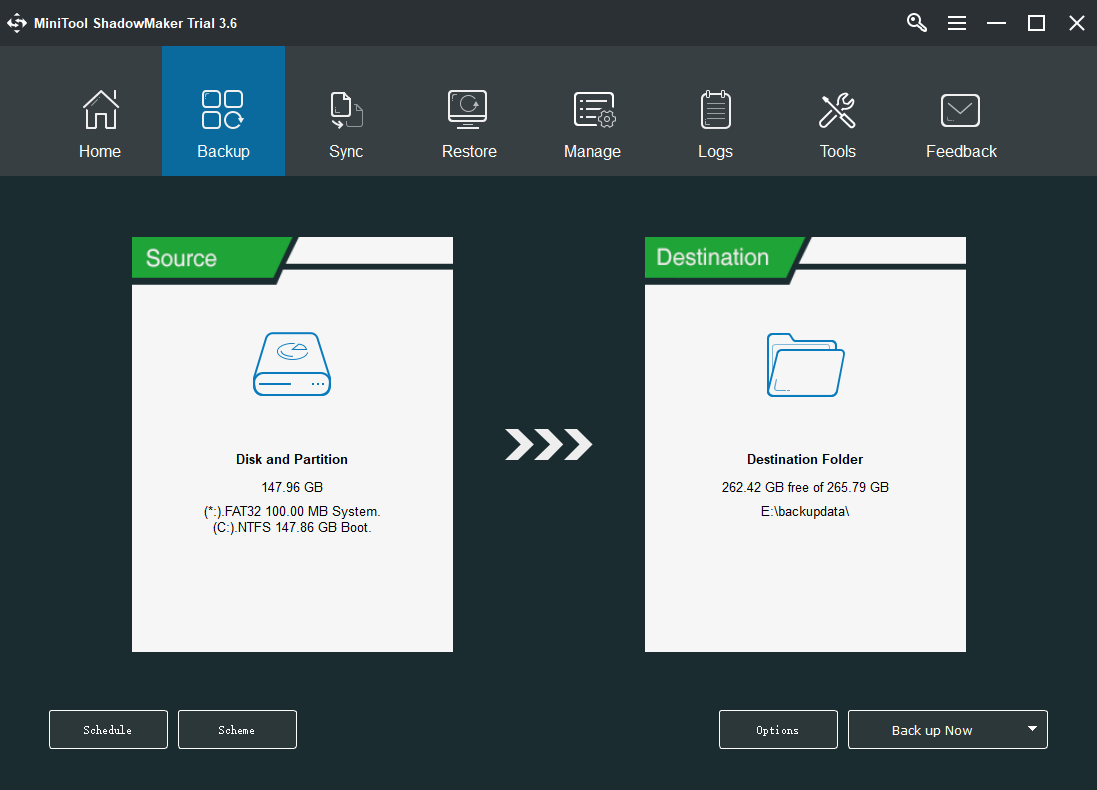
Before upgrading Windows7/8 to Windows 10, it’s recommended to back up your data in advance. To do this work, you can use the professional Windows backup software, MiniTool ShadowMaker. It is designed to back up the system by default. Besides, you can use it to back up files, disks, and partitions. Just download it by following the button below.
MiniTool ShadowMaker TrialClick to Download100%Clean & Safe
Final Words
This post introduces 3 ways for you to get Windows 10 student for free. You can pick one based on your needs. If you have any suggestions, let us know in the Comment part or contact us via [email protected].
User Comments :