Fix Windows 10 Adaptive Brightness Missing/Not Working
Check how to fix Windows 10 adaptive brightness missing, Windows 10 adaptive brightness not working or won’t turn off issues. 4 methods are provided.
By Alisa

Check how to fix Windows 10 adaptive brightness missing, Windows 10 adaptive brightness not working or won’t turn off issues. 4 methods are provided.
Learn how to disable or turn off adaptive brightness on Windows 10 in 4 steps if you don’t like the automatic brightness adjustments in Windows 10.
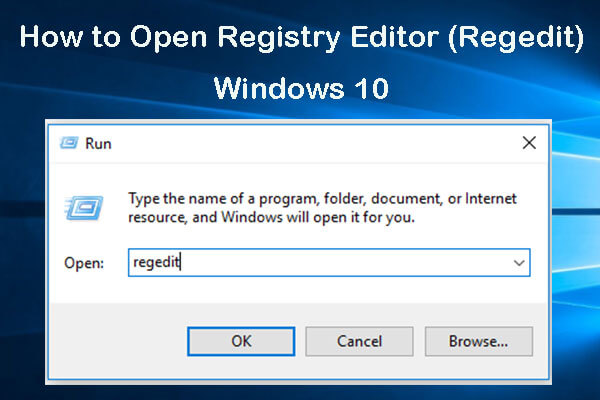
Check the 5 ways for how to open Registry Editor Windows 10, and learn how to use Windows Registry Editor to edit registry.
This tutorial illustrates how to disable automatic Google Chrome updates in Windows 10 using 4 ways with step-by-step guide.
Learn how to update Chrome extensions manually. Force to update extensions in Google Chrome when Chrome extension auto update is not working.

Roundup answers for what is data loss prevention (DLP), what are the best data loss prevention software, tools, services to ensure data security.

Learn how to create a new folder in Windows 10/8/7 with shortcut. Also check how to create new folder on a Mac with detailed steps.

The VPN is slow, how to make VPN speed faster? Here are 10 tricks to boost your VPN connection speed.
This post offers 5 tips to help you manage wireless Wi-Fi network connections on Windows 10. Check how to connect, add, delete wireless networks on Windows 10.
This tutorial teaches you how to reset BIOS/CMOS to default/factory settings in Windows 10 PC or laptop. Check the 3 steps guide.
Why is svchost.exe using so much CPU? Fix svchost.exe high CPU usage (100%) Windows 10 with 4 solutions.
Taskbar is disappeared on Windows 10 desktop? How to make taskbar appear again? This post offers 8 ways to help you fix taskbar missing Windows 10 error.