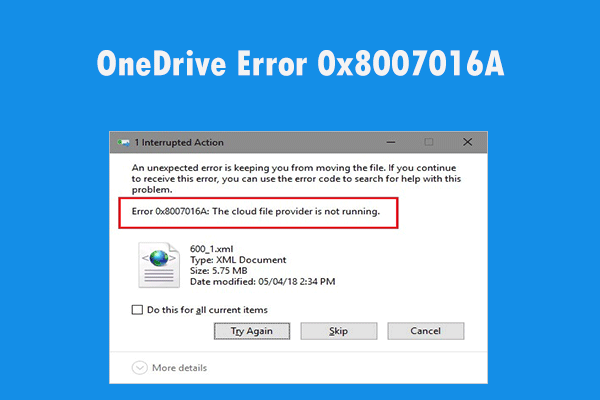
OneDrive Error 0x8007016A: The Cloud File Provider is Not Running
If you are struggling with OneDrive error 0x8007016A, you need to read this post right now. There are some useful methods to fix the issue in this post.
By Echo

If you are struggling with OneDrive error 0x8007016A, you need to read this post right now. There are some useful methods to fix the issue in this post.
If you find that Run command doesn’t save history in Windows 10 but you don’t know how to get rid of this issue, you can read this post to get the method now.
If you encounter tinted screenshots on Windows 10, don’t worry, you can read this post right now. It will show you 2 useful methods to fix this issue.
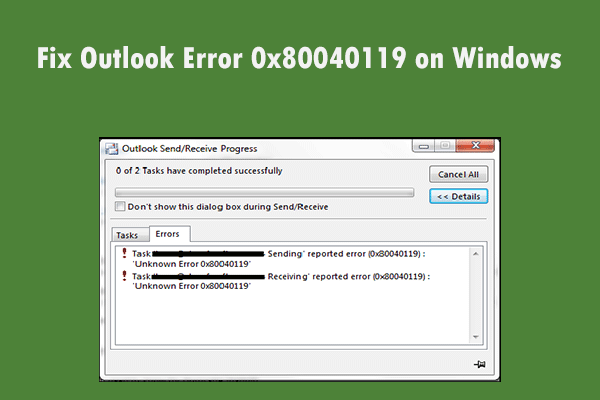
If you want to find a useful method to fix the Outlook error 0x80040119 on Windows, this post is what you need. It will show you 4 useful methods.
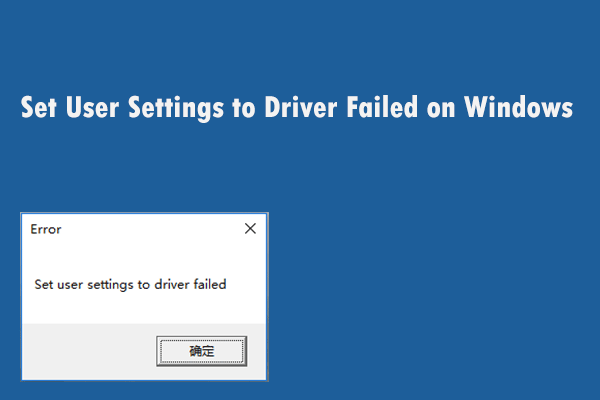
If you encounter the “Set user settings to driver failed” error on Windows, you should read this post now to get some methods to fix this issue.
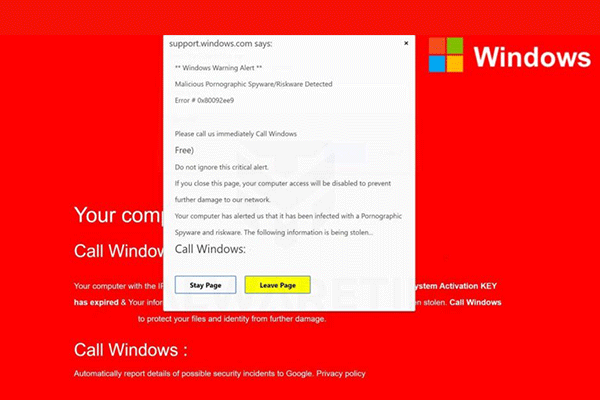
Are you still struggling with the “Windows Security Alert” pop-up? Don’t worry too much. Right now you can get some methods to remove these pop-up.
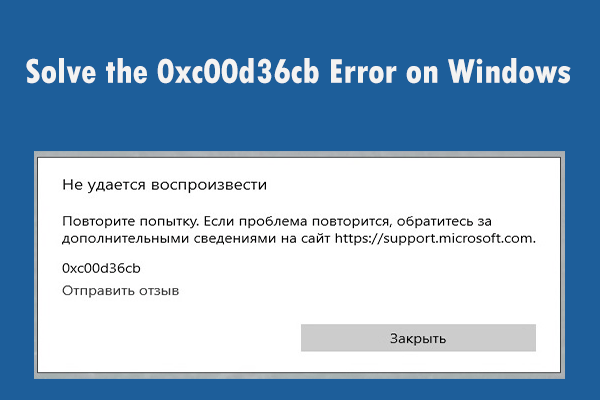
If you are encountering the 0xc00d36cb error on Windows but you don’t know how to deal with this issue, read this post to get some possible fixes now.
If you are struggling with Activation error 0xc004f063 and don’t know how to deal with this issue, read this post to get some workable methods now.
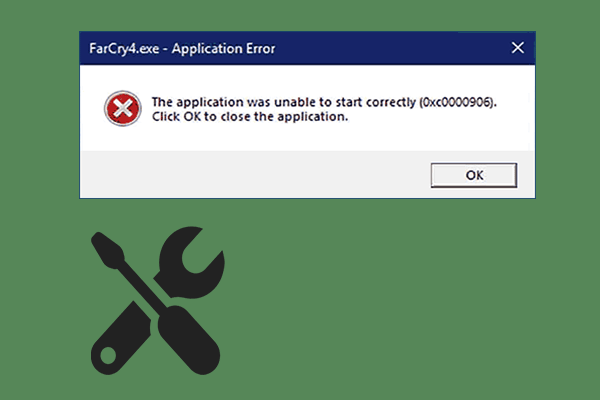
If you are struggling with Application Error 0xc0000906 and don’t know what to do, read this post right now to get some useful methods to fix this issue.
If you want to disable Windows 10 Error Reporting Service but don’t know what to do, you can read this post right now to get two useful methods.
If your keyboard keeps disconnecting and reconnecting and you want to fix this issue, you can try these feasible methods mentioned in this post now.
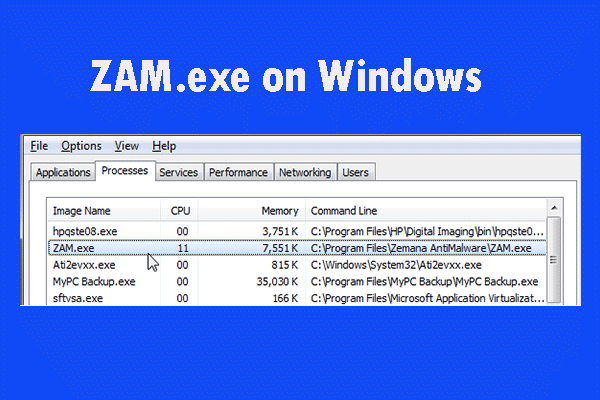
If you find that ZAM.exe is using a large number of system resources but you don’t know what ZAM.exe is, read this post to get details about it.