
Do you want to improve your click speed when you are playing games? If yes, do you know how to click faster? In this post, MiniTool Software will show you what you can do to fast click your mouse to help you win the games.
If you are a game player, you should know the importance of click speed. You need to fast click your mouse to shot your gun to hit your enemy. You need to click the cookie faster.
How to click faster when playing games? You should not only improve your reflexes but also own excellent configuration and settings. Now, in this post, we will show you how to increase clicks per second from these aspects.

How to Click Faster when You Are Playing Games?
Action 1: Practice Your Clicking Skills
Use Proper Clicking Methods
If you are a new game player, this is the thing you should pay more attention to. If you don’t have good clicking skills, you will not click faster even you have a top configuration.
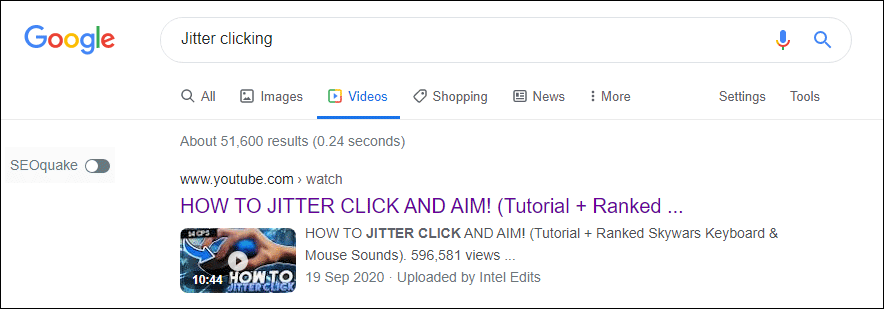
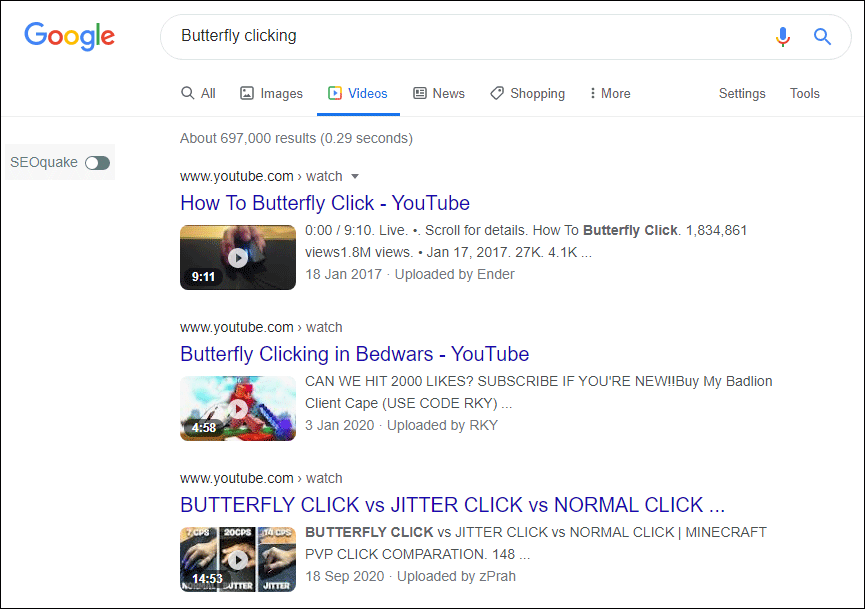
We recommend these two clicking techniques: Jitter clicking and Butterfly clicking. These two skills involve rapid finger muscle spasms to click faster. You can search for such kinds of online training videos on the internet for learning. Don’t just watch these videos. You should do it yourself frequently.
Improve Your Click Speed Using Games
You can play the game of Osu or the FPS games like Counter-Strike: Global Offensive to practice your reactions time. You can also search for practice reaction time games on the internet and select some of them to play for improving your click skills.
Action 2: Use Your Mouse but Not the Laptop Trackpad
If you use your laptop for playing games, you should not use the built-in trackpad. Instead, you should connect a mouse to your laptop via the USB cable and then use it to play games. A laptop trackpad is not as easy to operate as a mouse. Besides, you can change your mouse DPI according to your situation.
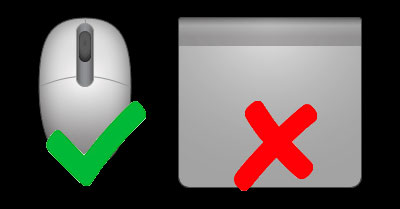
At the same time, you should use a professional gaming mouse for playing. The gaming mouse is specially designed for playing games with good design and fast response. Here are some good brands of gaming mice: Razer, Logitech, Cyborg, Mad Catz, Steel Series, etc.
Action 3: Operate with Your Keyboard
When playing games on a PC, your mouse is not the only device to control the games. You can also use the keys on your keyboard to perform some actions. So, before playing a game, you should understand the operating rules to help you click faster.
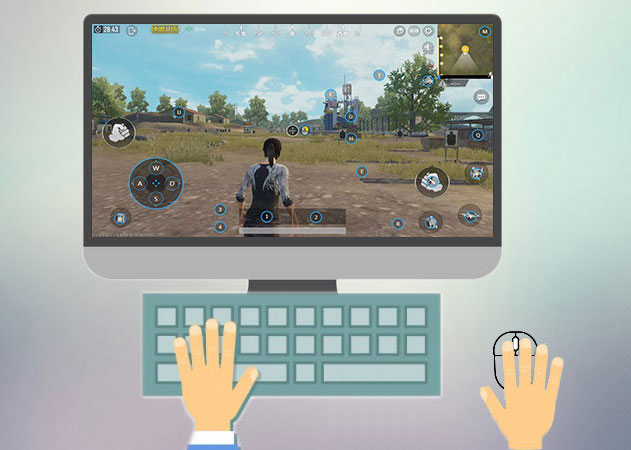
Action 4: Place Your Hand and Fingers at the Proper Location
How to improve click speed? The position of your hand and fingers are also important elements. Here are the things you should pay attention to:
- Keep your fingers near the mouse. Not on the mouse and not far away from the mouse. This can reduce the possibility of mistake operation and delay.
- You should click your mouse gently. If you put much pressure on your mouse, it may slide out of position or slow down your clicks.
- Don’t hold the mouse tightly. It can’t help you improve click speed.
- When playing games, do not do other things like scrolling the mouse or drinking or eating.
Bottom Line
These are the things you should pay attention to when you are playing games. You may have your skills to click faster. You can share your experience in the comments.
About The Author

Position: Columnist
Stella has been working in MiniTool Software as an English Editor for more than 8 years. Her articles mainly cover the fields of data recovery including storage media data recovery, phone data recovery, and photo recovery, videos download, partition management, and video & audio format conversions.
User Comments :