![[FIXED] Issues You May Encounter After Installing KB5034763](https://images.minitool.com/minitool.com/images/uploads/2024/02/apps-and-task-manager-wont-open-after-installing-kb5034763-thumbnail.jpg)
[FIXED] Issues You May Encounter After Installing KB5034763
If your apps and Task Manager won’t open after installing KB5034763, you can uninstall the update or perform a system restore.
By Stella / Published

If your apps and Task Manager won’t open after installing KB5034763, you can uninstall the update or perform a system restore.
What if KB5034763 fails to install on your Windows 10 PC? See this full guide to know how to solve the installation issue.
Computer crashes when connected to internet? Now you can get this annoying issue resolved by reading this article.
Many users run into various issues after downloading KB5034765. This post will help resolve the Windows 11 KB5034765 issues.
OneDrive allows you to sync files to the cloud. This post tells you how to schedule a weekly backup to OneDrive.
Is Windows 11 KB5034765 not installing or stuck during the process? To find effective solutions to the issue, see this full guide now.
What is PUA:Win32/Softcnapp? How to get rid of it from your computer? Keep reading this post to get more details now!
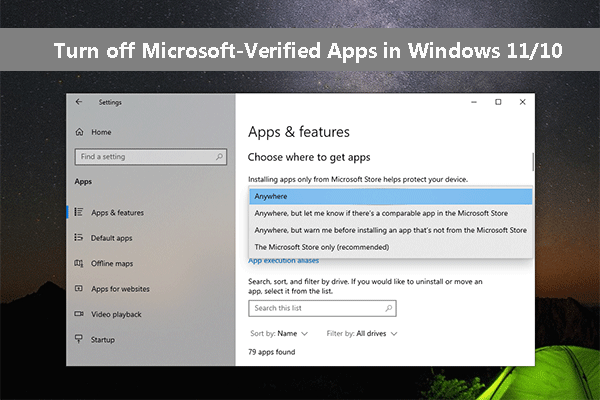
Here are various methods to turn off Microsoft-verified apps in Windows 11/10 when you want to download apps from the internet.
When you use OneDrive, you may meet the “OneDrive stuck looking for changes” issue. This post introduces how to fix the issue.
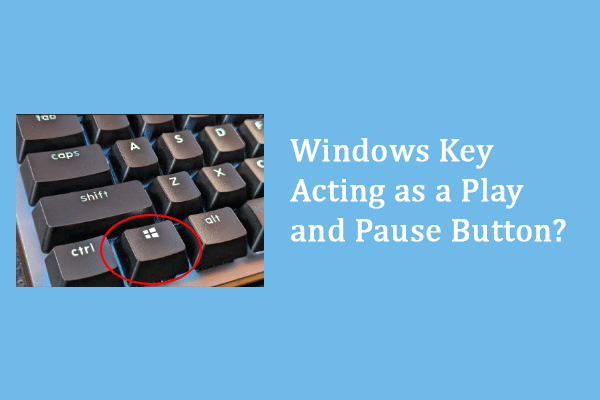
The Windows key is acting as a play and pause button on your computer? Four methods are listed to resolve the problem.