A Guide on Windows 10 Reserved Storage and How to Disable It
Windows 10 1903 added the new reserved storage feature, but it may offend users. Thus, this post will show you how to disable Windows 10 reserved storage.
By Echo / Published

Discover expert Windows tips, PC hardware guides, and gaming setup advice from MiniTool. Whether you are adjusting system settings, upgrading hardware components, or optimizing your PC to meet the latest game system requirements, our clear, step-by-step tutorials help you unlock maximum performance and smooth gameplay.
Windows 10 1903 added the new reserved storage feature, but it may offend users. Thus, this post will show you how to disable Windows 10 reserved storage.
Check how to enter BIOS in Windows 10/8/7 PC (HP, ASUS, Dell, Lenovo, any PC). 2 ways with steps on how to access BIOS on Windows 10/8/7 are provided.
Toshiba launches RD500 and RC500 gaming-grade M.2 NVMe SSDs to deliver the best performance for gamers. This post shows some basic information of them.

This post teaches you how to block a program with Windows firewall in Windows 10 and prevent it from accessing to network. Check the step-by-step guide.
Through SATA vs. SAS, you can learn the advantages of a new class of SSD - value SAS SSD. Will it replace SATA SSD? You can get some hints in this post.
This post will show you how to control Windows 10 PC by Microsoft Cortana voice commands. Find out all the Cortana voice commands available for your Windows 10.
If you are looking for a place to keep your Windows devices safe, you should first run the best antivirus software- Windows Defender. Let’s see more details.

Toshiba memory has optimized the RocksDB for SSD so as to improve the Storage endurance and utilization, and reduce the application write amplification.
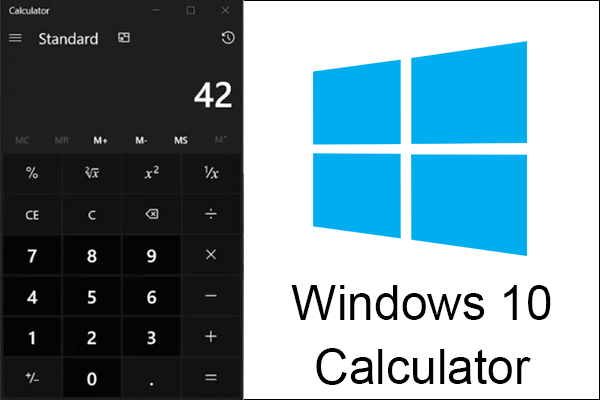
Microsoft developed Windows 10 calculator program in the first half of the year, making the calculator app have a mini mode and can be fixed on the desktop.
Sodin is the name of the new ransomware which takes advantage of Windows vulnerability to affect your system and disk; it was found in the Asian region.