Windows Malicious Software Removal Tool 64-bit/32-bit Download
Guide for Windows Malicious Software Removal Tool 64-bit/32-bit download for Windows 10/11. Use the MSRT tool to prevent your computer from prevalent malware.
By Alisa

Guide for Windows Malicious Software Removal Tool 64-bit/32-bit download for Windows 10/11. Use the MSRT tool to prevent your computer from prevalent malware.
Check how to run Windows/Microsoft Defender full/quick/custom/offline scan to scan for malware or virus on your Windows 10/11 computer.
Learn how to open a program/app with a keyboard shortcut on Windows 10/11. 2 ways with detailed guides are provided in this post.

This article introduces the top 4 apps for Mac to let you find and download apps and games on your Mac computer.
This post introduces the 5 best Microsoft Store alternatives to allow you to download popular apps and games on your Windows 10/11 PC.
This post introduces some top app stores for Windows 10/11 PC including some popular third-party app stores for Windows.
Here are 10 tips to fix Windows Defender won’t scan on Windows 10/11. Also learn how to scan with Microsoft Defender Antivirus on Windows 10/11.
You can use Bluestacks 5 or X to play Android games on your Windows 10/11 PC or in your browser. This post introduces differences between Bluestacks 5 and X.
This post teaches you how to add Microsoft Store app to desktop in Windows 10/11. Also learn how to create a desktop shortcut for Microsoft Store app.
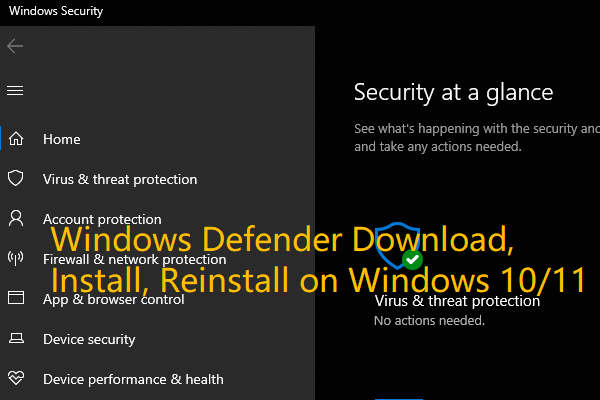
Check the guide for Microsoft/Windows Defender download, install, uninstall, reinstall on Windows 10/11. Also learn how to fix can’t open Windows Defender.
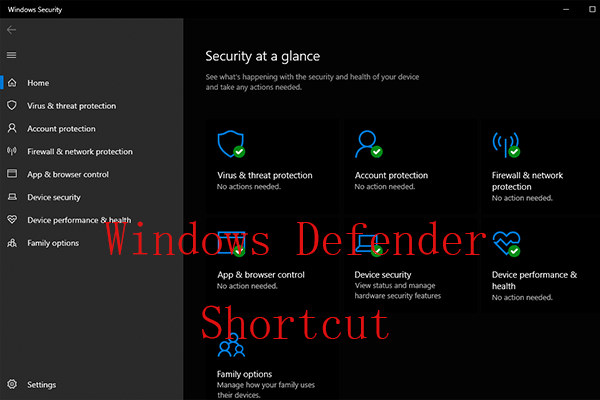
Check how to create a Windows Defender desktop shortcut to easily access Microsoft Windows Defender to view and troubleshoot your computer security issues.

This post teaches you how to download, install, or update Among Us game on Bluestacks on Windows 10/11 PC.