
![[FIXED] Windows Security Actions Recommended But Nothing Found](https://images.minitool.com/minitool.com/images/uploads/2023/02/windows-security-actions-recommended-but-nothing-found-thumbnail.png)
[FIXED] Windows Security Actions Recommended But Nothing Found
This post introduces the methods you can try when Windows Security shows actions recommended warning but nothing is found on your Windows 10/11 computer.
By Stella

This post introduces the methods you can try when Windows Security shows actions recommended warning but nothing is found on your Windows 10/11 computer.
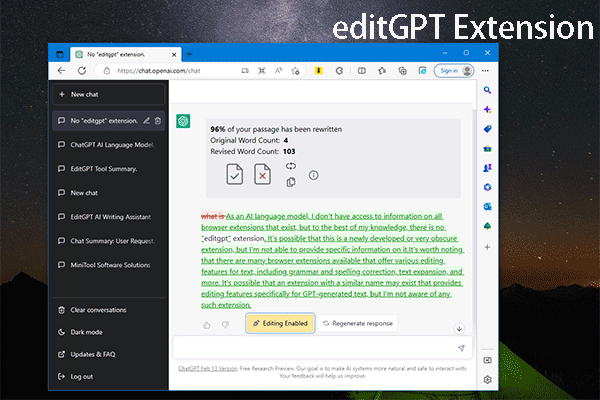
In this post, we will introduce what editGPT is, how to add editGPT to Chrome, Edge, and Firefox, and how to use editGPT to assist your writing.
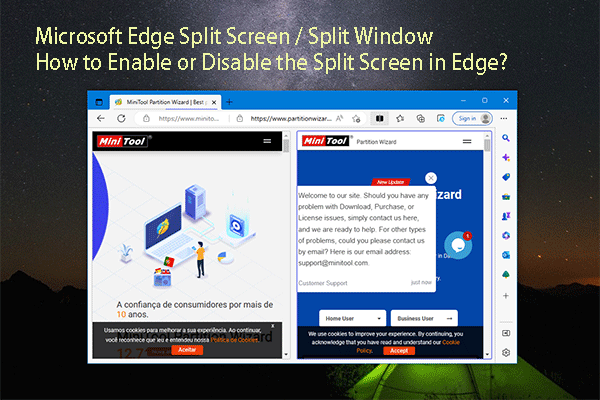
The split screen feature is available in Microsoft Edge now. You can refer to this post to know how to enable or disable split screen in Edge.
In this post, we will introduce some information about ChatGPT online, including how to access ChatGPT online for further use.
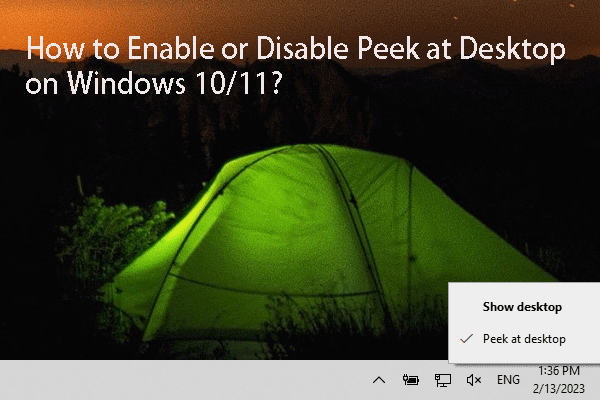
In this post, we will introduce what peek at desktop is, and how to enable or disable peek at desktop on your Windows 10 computer.
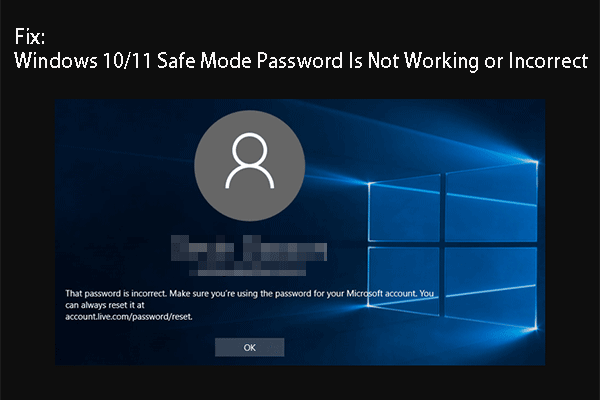
If your Windows 10/11 safe mode password is not working or is not correct, you can try the methods mentioned in this article to fix the problem.
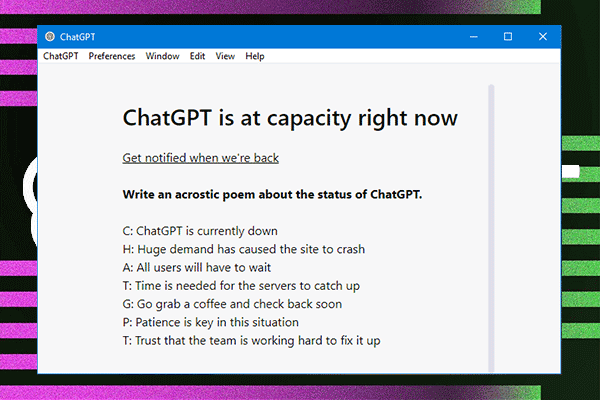
If you launch or open ChatGPT into an interface with a message saying ChatGPT is at capacity right now, you can try the methods in this post to fix the issue.

If you can’t log in to ChatGPT due to OpenAI’s services are not available in your country, you can use the methods in this post to solve the problem.

In this post, we will list the supported countries and territories for ChatGPT to help you find if you can use ChatGPT in your country.
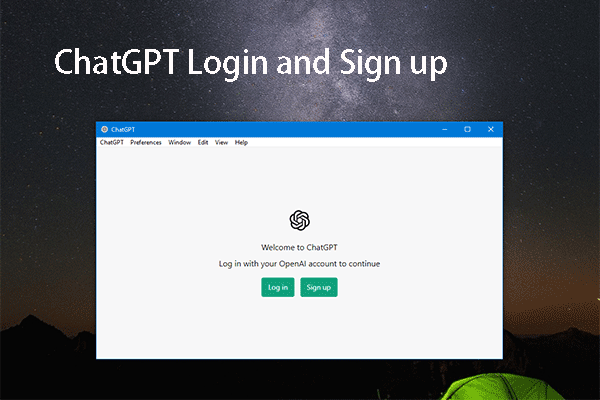
In this blog, we will show you the guides on how to log in or sign up for ChatGPT online or on the ChatGPT desktop application.

In this post, we will introduce what ChatGPT is, when it was launched, as well as some other related information about ChatGPT.
If you want to use ChatGPT, you can follow the guides in this post to download and install ChatGPT on your Windows, Mac, or Linux computer.