

chrome://flags: Try Experimental Features & Activate Debug Tools
In this post, we will talk about chrome://flags, which can help you activate additional debugging tools or try out new or experimental features in Chrome.
By Stella

In this post, we will talk about chrome://flags, which can help you activate additional debugging tools or try out new or experimental features in Chrome.
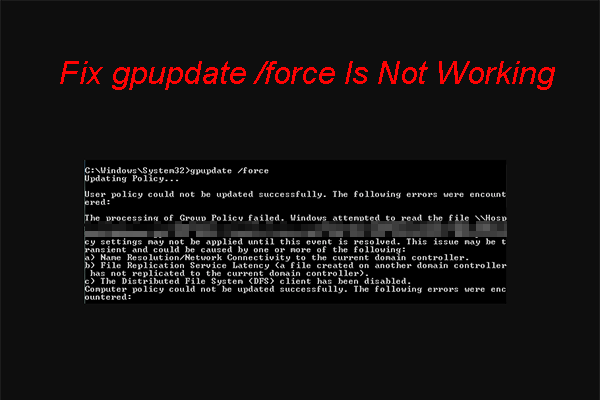
If gpupdate /force is not working on your Windows computer, you can try the methods mentioned in this post to solve the problem.
Do you how to sync settings on your Windows 10 or Windows 11 computer? In this post, we will show you two easy guides.

If DISM /online /cleanup-image /restorehealth is stuck when you run it to fix problems, you can use the methods introduced in this post to fix DISM.
In this post, we will introduce the main reasons for Windows 11/10 sync settings and the best ways to fix Windows 11/10 sync settings not working.
In this post, we will introduce what Google Translate is and how to turn on/off Google Translate on your computer and mobile phone/tablet.
In this post, we will show you how to enable and disable Google Lens in Chrome. Besides, MiniTool Power Data Recovery can help you get your lost images back.
In this post, we will introduce what Google Lens is and how to download Google Lens for Windows, macOS, Android, and iOS devices.
In this post, we will introduce what Microsoft Safety Scanner is, how to download the Microsoft Safety Scanner, and how to fix the download issues.
In this post, we will show you how to remove comments in Word, how to remove all comments in Word, and how to hide comments in Word.
In this post, we will introduce what you can do when you encounter the This Page Isn’t Available Right Now error message on Facebook.
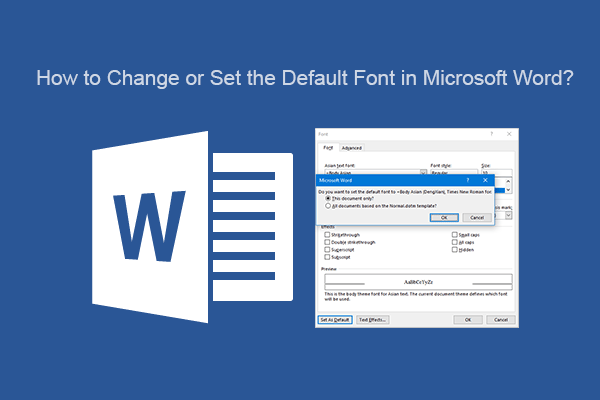
In this post, we will introduce how to set or change the default font in Microsoft Word on your Windows or Mac computer.