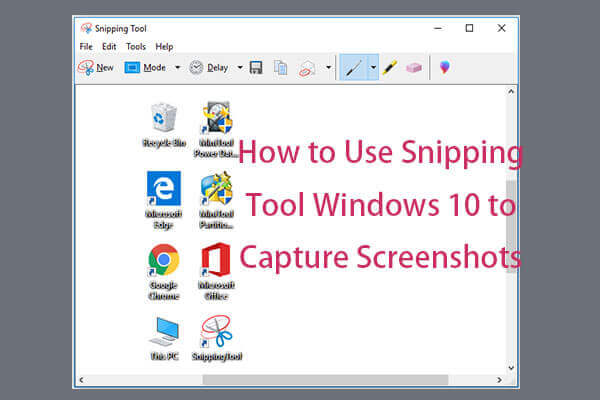
How to Use Snipping Tool Windows 10 to Capture Screenshots
5 ways to open Snipping Tool Windows 10. Learn how to use it to take screenshots in Windows 10 to share it with friends or upload to Instagram, Facebook, etc.
By Alisa / Published

Discover expert Windows tips, PC hardware guides, and gaming setup advice from MiniTool. Whether you are adjusting system settings, upgrading hardware components, or optimizing your PC to meet the latest game system requirements, our clear, step-by-step tutorials help you unlock maximum performance and smooth gameplay.
5 ways to open Snipping Tool Windows 10. Learn how to use it to take screenshots in Windows 10 to share it with friends or upload to Instagram, Facebook, etc.
Some Windows users are complain that they are troubled by the error 0x80073701. This post shows 3 solutions to Windows update error 0x80073701.
Many people reported that they have many images captured in RAW image format and want to open RAW image quickly on their Windows 10 computers.
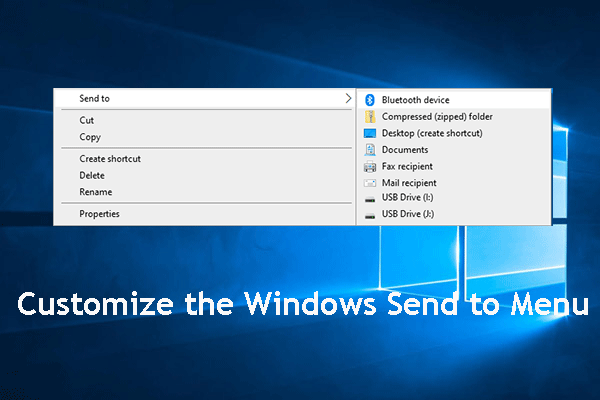
In this post, we will show you how to customize the Windows Send to menu including adding folder to Send to menu and removing entries from Send to menu.
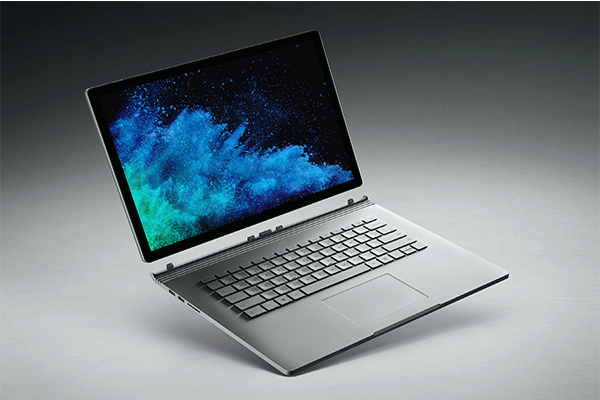
Microsoft devices encounter the latest CPU throttling issue. Surface Pro 6 and Surface Book 2 are throttling down. Read this post to learn more information.

This post lists 6 things to do when you get a new Windows 10 laptop/computer incl. make system image backup/automatic backup, install a file recovery software.

How to increase virtual memory in Windows 10 when it is low? This post will show you some a simple method to add virtual memory to fix this issue.
Do you know how to convert PDF to JPG? You need to ask a third-party PDF to JPG converter for help. Here are 10 wonderful choices for you in this post.
If the files are locked, you cannot delete them. This post will show you how to unlock a file and show you how to delete locked files.
Windows 10 fall upgrade is just a service pack. Thus, this new upgrade will not have major features but a few fixes and improvements to Windows 10 1903.