
![How to Rename Your Computer on Windows 11? [4 Easy Ways]](https://images.minitool.com/minitool.com/images/uploads/2021/09/rename-your-computer-windows-11-thumbnail.png)
How to Rename Your Computer on Windows 11? [4 Easy Ways]
Do you know how to rename this PC on your Windows 11 computer? In this post, we will show you some easy methods.
By Stella

Do you know how to rename this PC on your Windows 11 computer? In this post, we will show you some easy methods.
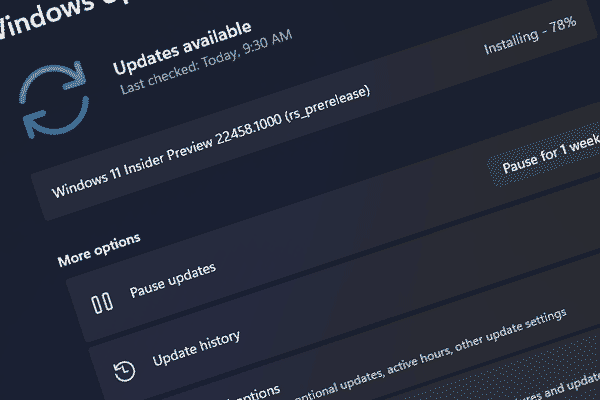
Windows 11 Insider preview build 22458 has been released to Insider in the Dev Channel. Here are the details and the ways to get it.

AMD driver adds support for Windows 11. You can read this post to get some related information about AMD drivers for Windows 11.
![[7 Fixes] Windows 11 Not Showing up in Windows Update](https://images.minitool.com/minitool.com/images/uploads/2021/09/windows-11-not-showing-up-in-windows-update-thumbnail.jpg)
If Windows 11 is not showing up in Windows Update, you can try the methods mentioned in this post to help you out.
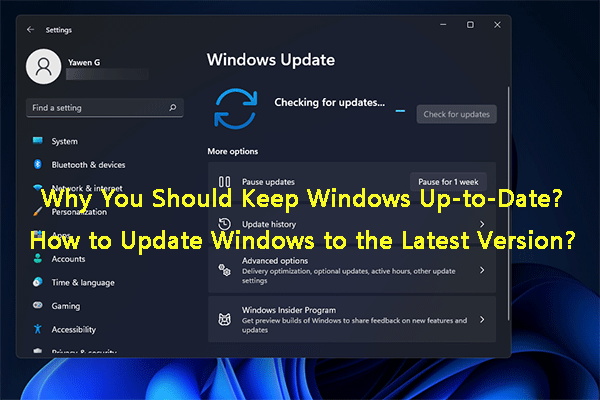
Here, you can find the importance of keeping Windows up-to-date and how to always get the latest Windows version on your computer.
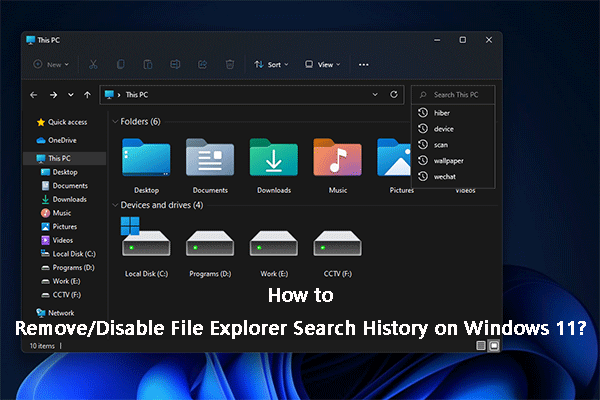
In this post, we will show you how to disable File Explorer search history on Windows 11 using Group Policy Editor.
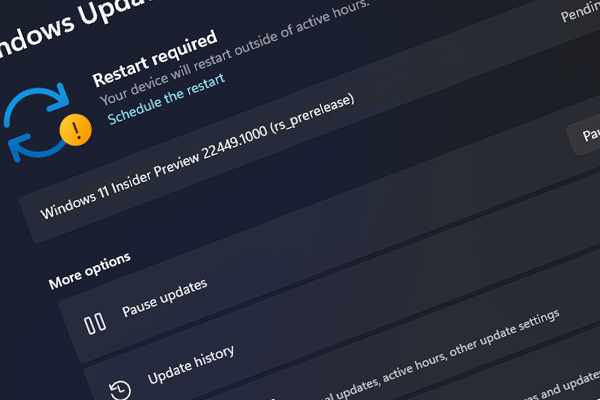
Microsoft has updated the Windows Insider preview build in the Dev Chanel and the new released build is 22454. Here is the related information.
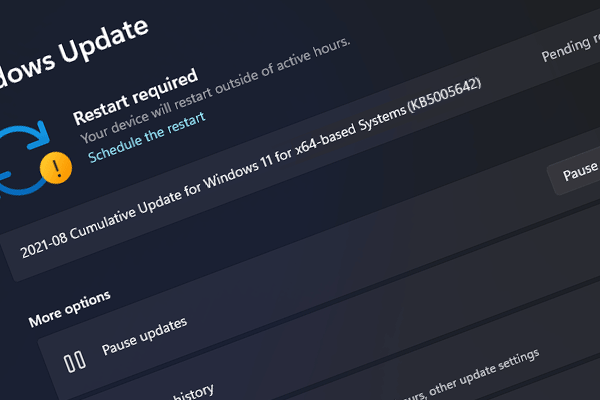
Windows Insider preview build 22000.184 has been released to Insiders in the Beta Channel. Here is the related information about this build.
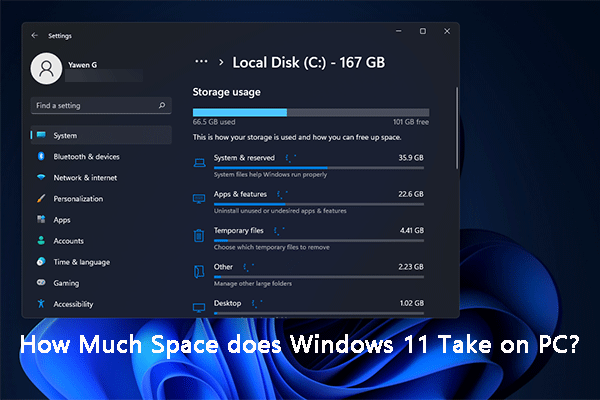
How much space does Windows 11 take up on your disk? This article shows you a brief explanation, as well as the ways to free up disk space.
Is Windows 11 upgrade free? Genuine Windows 10 users can upgrade to Windows 11 for free. How about others? Here are the explanations.
Windows 7 users may want to directly upgrade their computers to Windows 11. Here are two methods to upgrade Windows 7 to Windows 10.
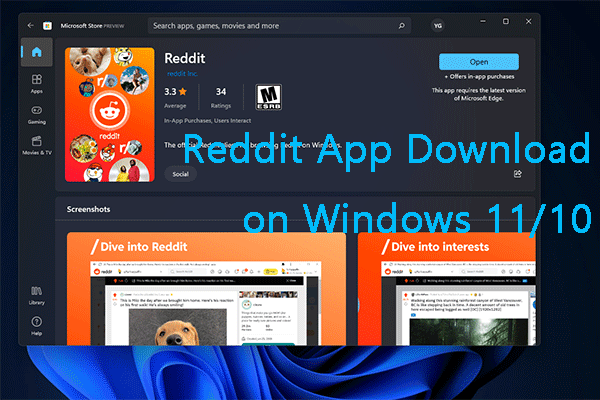
In this post, we will show you how to download and install the Reddit app on your Windows 10 or Windows 11 computer.