How to Adjust Screen Brightness in Windows 10? Follow the Guide!
A good choice to avoid eye strain is to adjust screen brightness. How to change brightness on Windows 10? Multiple methods are offered in this post.
By Vera / Published

A good choice to avoid eye strain is to adjust screen brightness. How to change brightness on Windows 10? Multiple methods are offered in this post.
This tutorial offer 10 ways for how to open Device Manager Windows 10 incl. open Windows 10 Device Manager with cmd/command, shortcut, etc.
Microsoft is now working hard on the reveal password feature; it plans to add this feature to Chromium-based web browsers (Chrome and Edge) very soon.
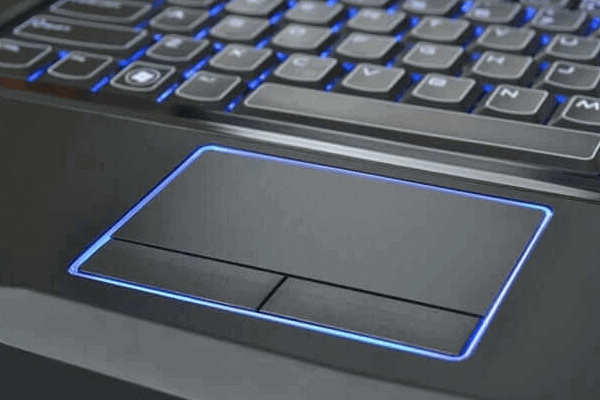
Laptop touchpad not working Windows 10? Check the 7 ways to fix touchpad not working on Acer/Toshiba/HP/Lenovo/Dell laptop on Windows 10.
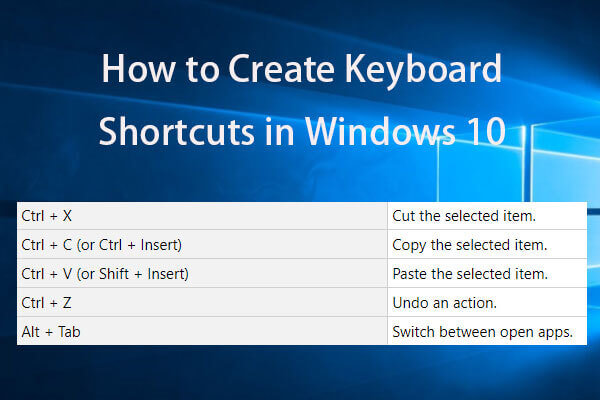
How to create keyboard shortcuts in Windows 10? Best 2 ways with step-by-step guides are here. List of best Window 10 shortcut keys/hotkeys are also included.
Microsoft allows World of Warcraft game players to take advantage of DirectX 12 API when using Windows 7, which maybe wants to make DX12 more accessible.

When you install an adware program on your system, the notification often says ‘Critical Error’. Here are how to fix Microsoft Edge critical error.

Have you ever received the CPU over temperature error message? This post will show you what causes this error and how to fix it with 3 useful solutions.
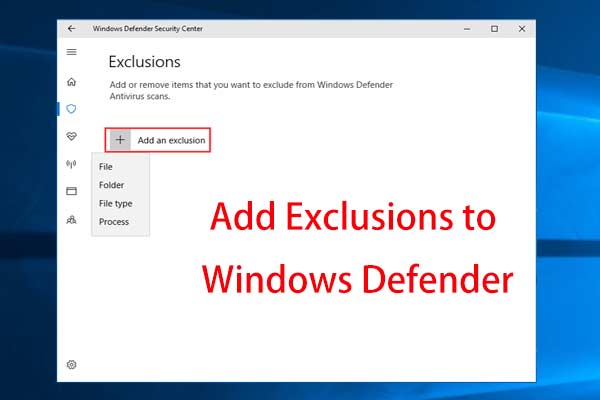
Don’t want Windows Defender to mark your trusted file or program as malicious? This post will show you how to add Windows Defender exclusions.
![How to Add or Remove Computer to Domain Windows 10? [2 Cases]](https://images.minitool.com/minitool.com/images/uploads/2019/08/windows-10-join-domain-thumbnail.png)
Do you know what a domain is? How to join a domain Windows 10? How to remove computer from domain Windows 10? This post shows you solutions.