Windows Easy Transfer Is Unable To Continue, How To Fix
You may find that the Windows Easy Transfer is unable to continue, so you won’t be able to transfer files with it. How to fix it properly?
By Sarah / Published

You may find that the Windows Easy Transfer is unable to continue, so you won’t be able to transfer files with it. How to fix it properly?
You may meet the error 0x80070652 when you update Windows and if you don’t know how to fix it, then read this post to find several useful methods.
When you upgrade your old version of the Windows operating system to Windows 10, you may meet the error 0x80070426. Now you can find methods in this post.
If you encounter error code 0x80246007 when you are downloading Windows 10 builds but don’t know how to do, then you can find several methods in this post.
Have you run into keyboard typing wrong letters/characters/symbols in Windows 10/11? Now, try these methods in this post to fix this issue effectively.
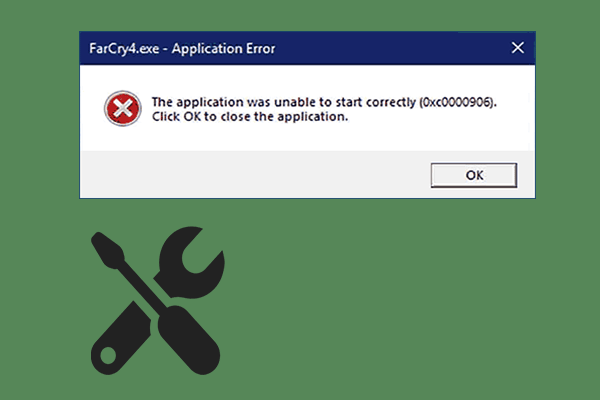
If you are struggling with Application Error 0xc0000906 and don’t know what to do, read this post right now to get some useful methods to fix this issue.
7-Zip vs WinRAR vs WinZip: which file compression tool to choose? Check the comparisons and differences of 7-Zip, WinRAR and WinZip.
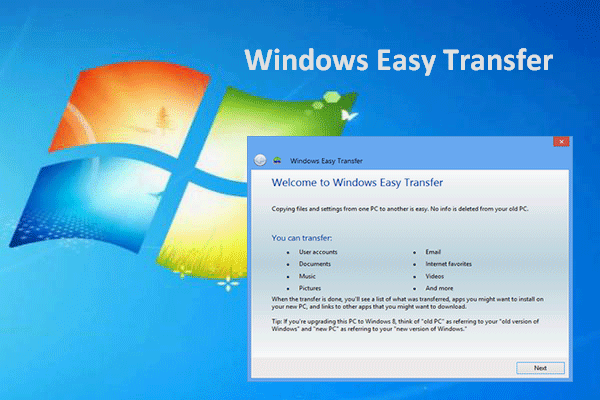
Windows Easy Transfer is a wonderful application that can help you transfer files from one computer to another in easy steps.
How to force quit on Windows 10 PC? Check the 3 ways to force quit an app that is not responding on Windows 10, incl. force quit Windows 10 shortcut.

Do you know what File Association Helper is? Is it a virus? And if it is a virus, how to remove it? If you don’t know the answers, you can read this post.