Here Are Four Easy Methods to Schedule Shutdown in Windows 10
How to schedule shutdown in Windows 10 so the PC can turn off automatically at a specified time point? Try these methods mentioned in this post.
By Vera / Published

How to schedule shutdown in Windows 10 so the PC can turn off automatically at a specified time point? Try these methods mentioned in this post.
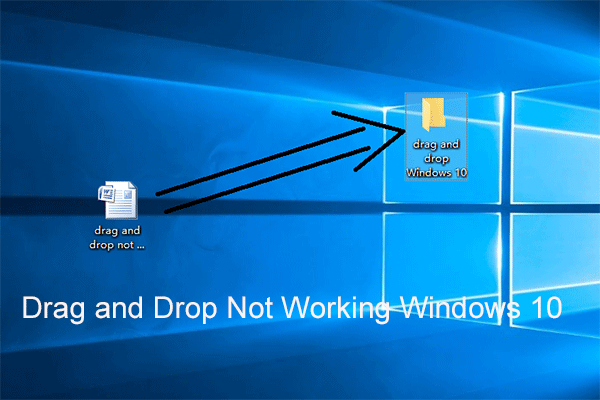
If drag and drop are not working, it would lead to some inconvenience. This post shows you how to fix the drag and drop not working Windows 10/87/7 problem.

It’s annoying to encounter the “System battery voltage is low” error, which is a problem that affects many different Windows versions. Here are the details.

When you want to sign out of Windows 10, but it is stuck on Signing out screen, this post will tell you how to fix Windows 10 stuck on signing out screen.
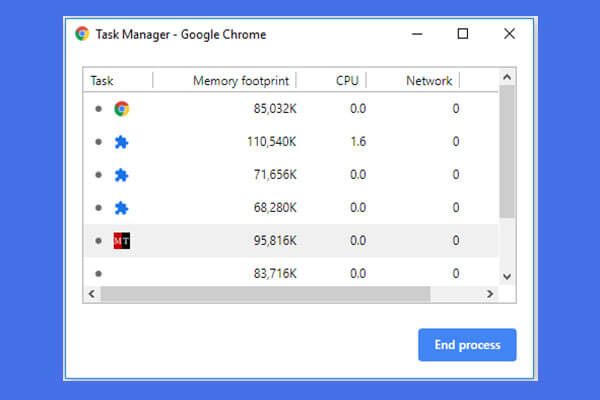
This guide shows you how to open and use Google Chrome task manager. 3 steps to open Chrome built-in task manager to view and control Chrome running processes.
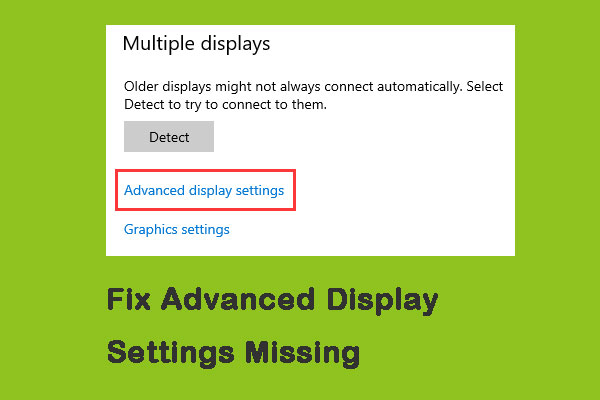
After you upgrade your Windows 10, your Advanced display settings may be missed. This post provides 6 solutions to fix Advanced display settings Missing.

If your web browser won’t open Excel file, do you know how to fix it? In this post, we will show you three easy and effective solutions.

Right now, Windows 10 May 2019 Update looks to be a hit, but at first very few of you want to adopt this upgrade. Read this post to get more information.
Step-by-step guide on how to activate Windows 10 with CMD. Permanently activate Windows 10 for free using CMD.

How to remove remnants of uninstalled software in Windows 10? This post will show you two methods to completely uninstall a program.