How to Customize Taskbar in Windows 10 (6 Ways)
This tutorial offers 6 ways to customize taskbar Windows 10. You can easily customize Windows 10 taskbar to make it look good and work better for you.
By Alisa / Published

This tutorial offers 6 ways to customize taskbar Windows 10. You can easily customize Windows 10 taskbar to make it look good and work better for you.
If certain network profile used by devices was lost, the Windows doesn't have a network profile for this device error will appear on your computer.
Don’t know how to screenshot on computer. This post introduces 8 ways for you to screenshot on a computer.
It’s common for you to meet such a situation that Windows 10 Software Center is missing after upgrading Windows 10. How to fix it? Let’s see the details.
This post mainly tells you that Windows Defender has a market share of 50%. It also shows you some reasons why Windows Defender is the best security tool.

Follow the 3 steps in this post to defrag Windows 10. Learn how to defragment Windows 10 PC hard drive with Windows 10 built-in best free defrag software.
Kingston DC500R, which is released by Kingston Technology Company, is designed for optimization of read-intensive applications. Here is the detailed parameters.
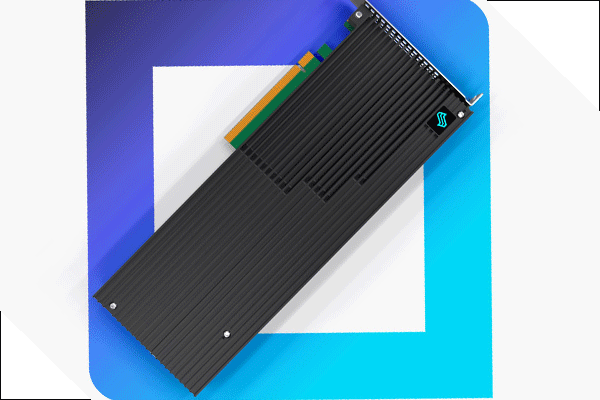
This week, Liqid will demonstrate Element LQD4500 SSD at Flash Memory Summit, which is one of the world’s first PCIe 4.0 x16 solid-state drives.
Is Windows 10 Sandbox greyed out in the Windows Features interface? This post will show you how to enable Windows Sandbox in Windows 10.
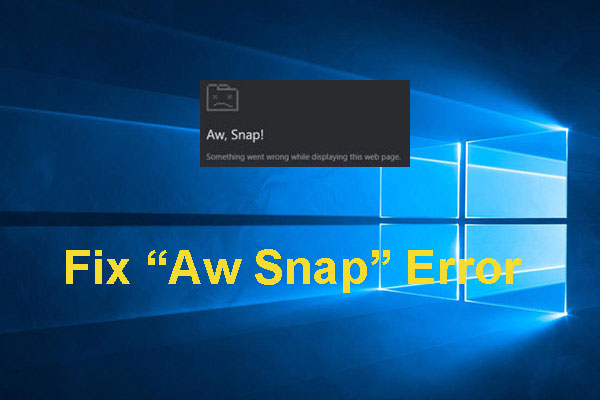
After updating to the new version of Google Chrome Canary, you may encounter Aw Snap error. Now, in this post, we will show you how to get rid of this issue.