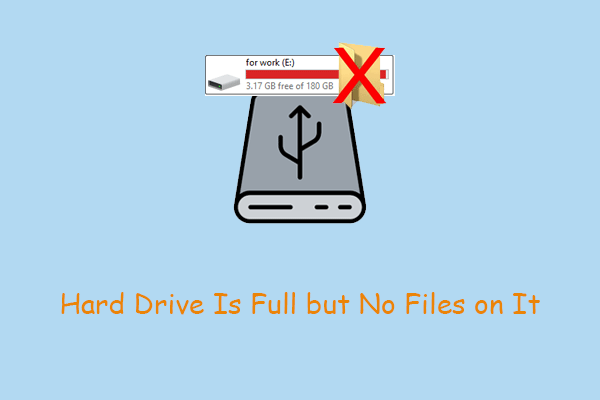
7 Proven Methods to Fix Hard Drive Is Full but No Files on It
When your hard drive is full but no files on it, check this post to get rid of this annoying problem and ensure your data security.
By Chelsea


When your hard drive is full but no files on it, check this post to get rid of this annoying problem and ensure your data security.
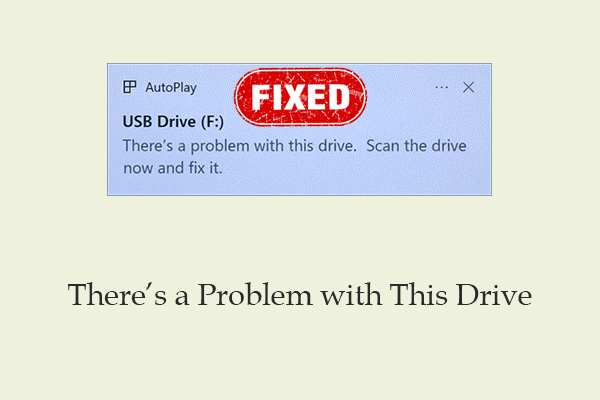
This full guide teaches you how to recover data from a USB drive with the “there’s a problem with this drive” error and how to fix the USB disk.
This post teaches you how to use netplwiz command to easily disable password login or disable automatic login on Windows 10/11.
Learn how to download and use Microsoft Office Uninstall Tool to uninstall Office automatically. Also learn how to remove office from Control Panel or Settings.
Learn how to format a hard drive. Back up or recover data in advance. Then, use Storage Settings, Disk Management, or a partition tool to format it.

You might want to download YouTube app on your Windows 11/10 PC, Mac, Android, or iPhone. Check how to get YouTube app for free in this post.
Here is a guide for how to download and update Lenovo drivers on Windows 10/11.
Check how to download DirectX 12 (Ultimate) for Windows 10 or Windows 11 PC for better gaming experience. Also learn what is DirectX 12 (Ultimate) in this post.

Dxdiag is a tool used to gather info and problems about Windows computer system, display, sound, video, etc. Check how to open/run dxdiag.exe on Windows 10/11.
Here’s the walkthrough for how to download Microsoft Store app for Windows 10 or Windows 11 PC. Also learn how to download apps from Microsoft Store.
How to delete partition using DiskPart, Disk Management, and Windows PowerShell? This post gives you an answer.

This article analyzes the pros and cons of free video recovery software and shares user experience to help you choose the most suitable one.