Methods to Fix the Malwarebytes Not Opening on Windows Issue
Malwarebytes may not open on Windows. You need to pay attention to this issue. You can read this post and get some useful solutions to fix this annoying issue.
By Echo

Malwarebytes may not open on Windows. You need to pay attention to this issue. You can read this post and get some useful solutions to fix this annoying issue.
If you meet the Malwarebytes service high CPU problem and don’t know how to fix it, you can read this post. It will introduce you to some useful solutions.
If you want to know much more information about esu.exe, this post is what you need. It will also show you how to remove it and the entire Garmin Express suite.
If you meet “The VSS service is shutting down due to idle timeout” error and don’t know how to fix it, you can read this post to get some useful methods.
If you have ever encountered “No battery is detected” alert, you can read this post to get solutions. It will teach you how to fix this problem in detail.
If you are in trouble with VMware Internal error, you should read this post. It will introduce you to some reasons for this error and some feasible solutions.
If you meet CMOS checksum error and don’t know how to fix it, this post is what you need. It will show you how to fix the CMOS checksum error in detail.
If you are having trouble with cursor blinking in Windows 10, you can read this post to get some useful solutions. It will show you how to fix this issue.
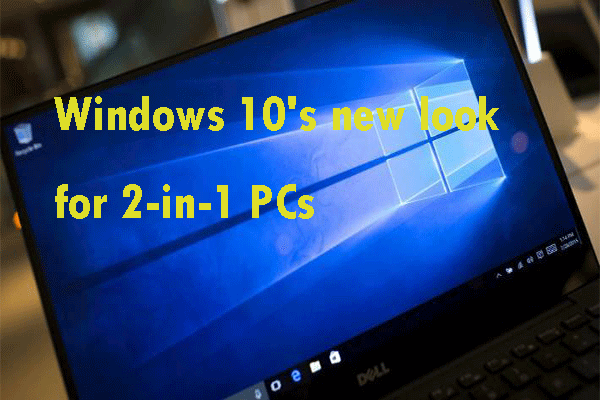
If you are interested in the Windows 10's new look for 2-in-1 PCs, this post is what you need. You can read this post to get more information about this topic.
Are you experiencing some annoying bugs or crashes when using your computer? Right now, you can try to repair Windows 10 image with DISM to fix these issues.

Right now, Windows 10 May 2019 Update looks to be a hit, but at first very few of you want to adopt this upgrade. Read this post to get more information.
If you want to know more information about Windows 10 S Mode, this post is what you need. It will help you decide if Windows 10 S Mode is right for you.