
Useful Keyboard Shortcuts for Sticky Notes in Windows 10
Knowing the keyboard shortcuts for Sticky Notes can help you use this app better. This post shows you some useful and commonly used Sticky Notes shortcuts.
By Shirley

Knowing the keyboard shortcuts for Sticky Notes can help you use this app better. This post shows you some useful and commonly used Sticky Notes shortcuts.
This article provides you with several feasible and reliable methods to fix the Outlook error: The message cannot be sent right now.
Skillfully managing bookmarks in Microsoft Word allows you to handle documents better. This article introduces how to manage Word bookmarks.
What to do if the Outlook signature is not working? This article provides some reliable methods to fix this issue.
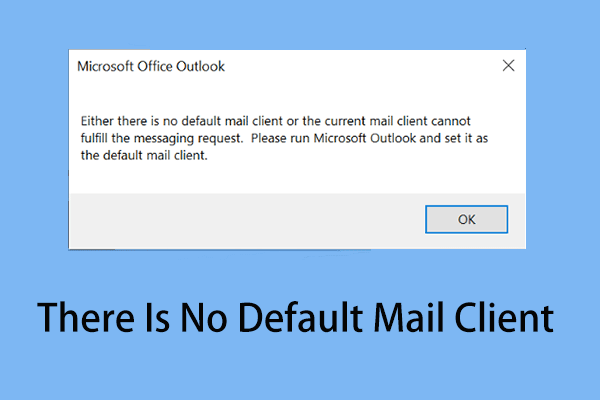
What do you do when facing the Outlook error: there is no default mail client? You can read this article for useful and reliable solutions.

How to enable and disable auto-capitalization in Microsoft Word? This article shows the detailed steps.
How to fix the issue “Microsoft Word opens files in read-only mode”? This post shows you some practical methods.
If you are unable to sign in to OneNote in Windows 10, you can get feasible solutions in this article.
The Track Changes function of Microsoft Word can record the process of revising your thesis. This article teaches you how to use this feature.
How to insert images in OneNote on Windows? How to insert online pictures or videos? This article shows the relevant details.
How to enable and disable suggested strong passwords in Microsoft Edge? This article can help you fix this issue.
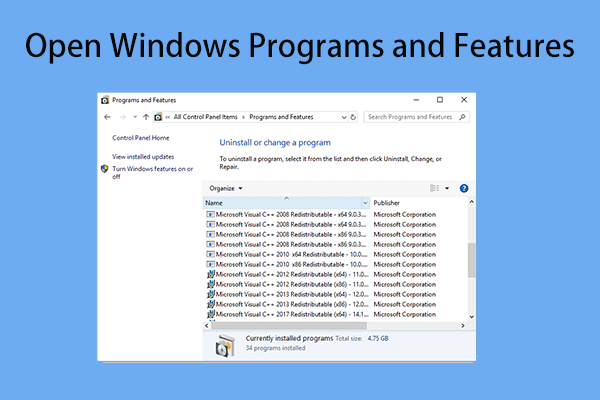
You can open Windows Programs and Features tool to uninstall or change a program. Here are some useful ways to open this setting.