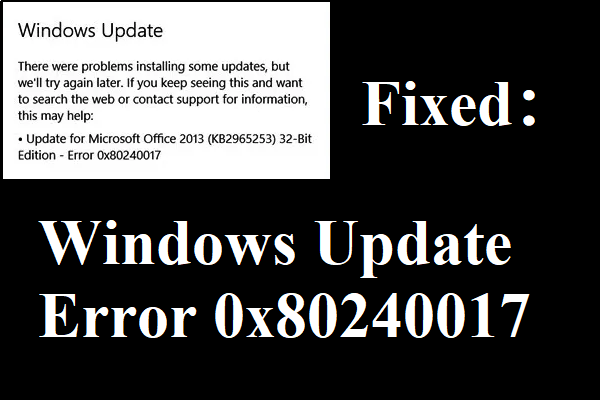
6 Useful Methods to Fix Windows Update Error 0x80240017
If you encounter error 0x80240017 when you update your Windows but don’t know how to deal with it, then you can find several methods in this post.
By Sonya

If you encounter error 0x80240017 when you update your Windows but don’t know how to deal with it, then you can find several methods in this post.
When you encounter the Intel RST service not running error and don’t know how to deal with it, then you can find three useful methods to fix the error.
When you notice that Google Chrome uses too much memory and want to know why this happens, then this post is what you need. The answers are here.
This post offers three methods to fix the “A configuration change was requested to clear this computer’s TPM” error when you reset your computer.
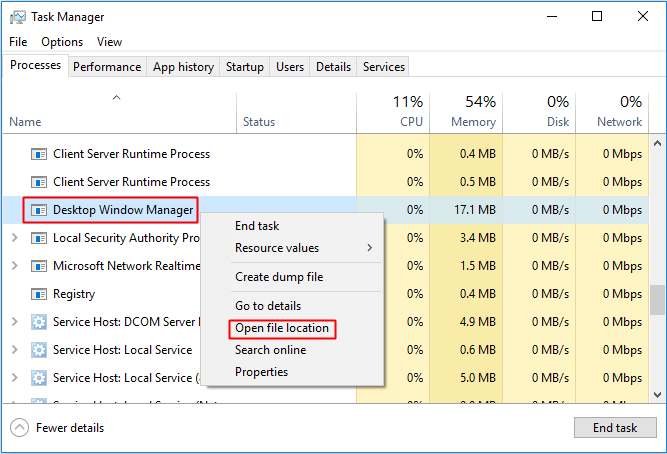
This post not only gives you a brief introduction to dwm.exe (Desktop Window Manager), but also provides some ways to cope with it in different situations.
When you try to connect a remote computer, but the Windows 10 Remote Desktop not working error appears, then you can find methods to fix the error in this post.
You may notice that the Host Process for Setting Synchronization has used a lot of CPU, you can find two useful methods to fix the problem in this post.
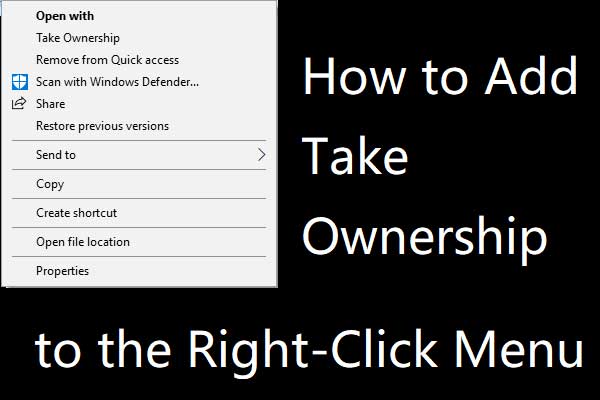
If you don’t know how to get full control of your files and folders, this post has shown you the way to add Take Ownership to the right-click menu.
From this post, you can get a brief introduction to MSCVP140.dll, besides, you can know the methods to fix the MSCVP140.dll missing error.
When you meet the Microsoft Setup Bootstrapper has stopped working error and don’t know what to do, then you can read this post to find 4 methods to fix it.
This post introduces what Win32 Priority Separation is and the solution to use it to allocate more memory to a particular program in Windows 10.
Some errors will occur when you upgrade the system, which prevents you from upgrading successfully. You can get the way to fix error 0x80080008 from this post.