

How to Install Windows Copilot via ViveTool in Windows 11
If Copilot is not available or showing up, you can use the method introduced in this post to enable Windows Copilot in Windows 11.
By Stella

If Copilot is not available or showing up, you can use the method introduced in this post to enable Windows Copilot in Windows 11.

You can go to Microsoft Store or use winget command to reinstall pre-installed software in Windows 11. Here are the guides.
![How to Use Copilot in Windows 11? [FULL GUIDE]](https://images.minitool.com/minitool.com/images/uploads/2023/10/how-to-use-copilot-in-windows-11-thumbnail.png)
This post introduces some information related to Copilot including what Windows Copilot is and how to use Copilot in Windows 11.
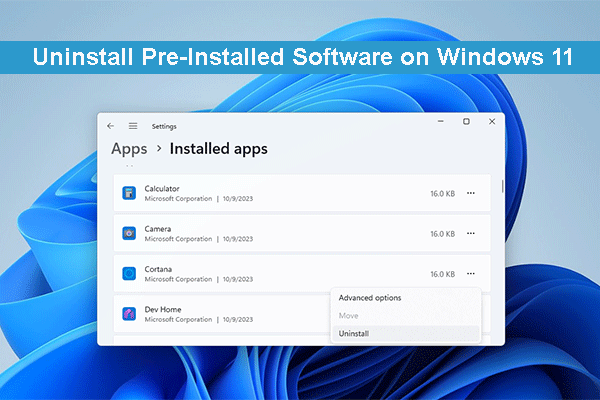
This post shows you how to uninstall pre-installed apps on Windows 11 using Settings, PowerShell, Start menu, and winget.
If Windows 11 Copilot is not showing on your PC, it should be unavailable in your country. But you can use the method in this post to try it.
This post shows the best and easiest methods you can try if you can’t extract ZIP files or open ZIP files on a Windows computer.
This post shows you how to encrypt a file or folder on Windows, Mac, Android, and iPhone using different methods.
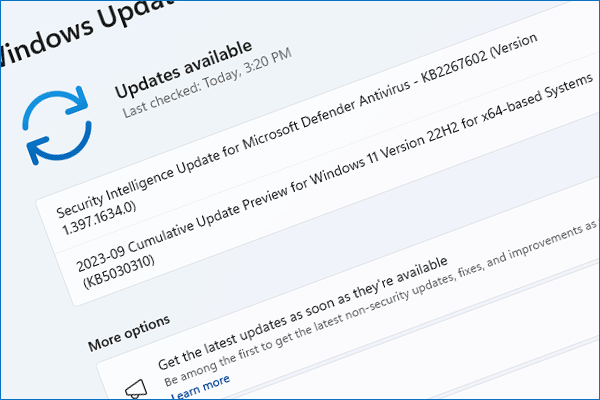
Windows 11 KB5030310, a new optional update for Windows 11 22H2, has been released. But it contains the key features from Windows 11 23H2.

If your Toshiba hard drive is not working, you can use the methods in this article to retrieve your data and repair the drive.

Is your PC receiving the Windows 11 2023 update? If not, there's no need to worry. This post will provide an explanation.
This post shows how to recover deleted hidden files on Windows using Recycle Bin or MiniTool Power Data Recovery.

Here are the best and easiest methods to recover deleted voice recordings on a Windows PC, Android, or iPhone.