
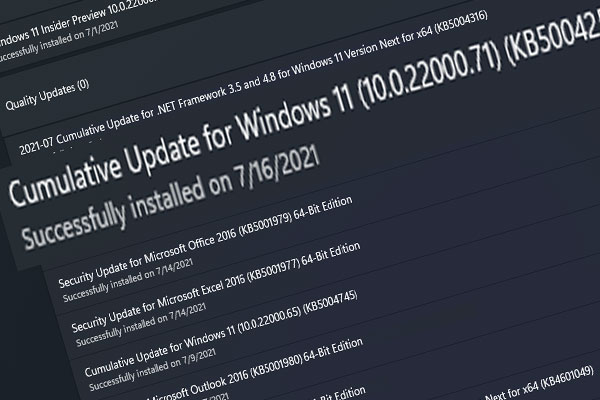
Windows 11 Build 22000.71 Rolls out to Insiders: Changes & Fixes
This post shows you the changes, enhancements, and fixes in the third Windows 11 Insider preview build 22000.71.
By Stella

This post shows you the changes, enhancements, and fixes in the third Windows 11 Insider preview build 22000.71.
![[SOLUTION] Windows 11 Update Downloading Stuck at 100%](https://images.minitool.com/minitool.com/images/uploads/2021/07/windows-11-update-downloading-stuck-at-100-thumbnail.png)
If your Windows 11 update downloading stuck at 100%, you can use the solution mentioned in this post to solve the issue.
This post shows you the basic Windows 11 system requirements you should meet if you want to install Windows 11 on your computer.
![[Best Fixes] Windows 11 Installation Stuck at 35%/85%…](https://images.minitool.com/minitool.com/images/uploads/2021/07/windows-11-installation-stuck-at-35-85-thumbnail.jpg)
If your Windows 11 installation stuck at 35% or 85%, you could try the methods mentioned in this post to help you out.
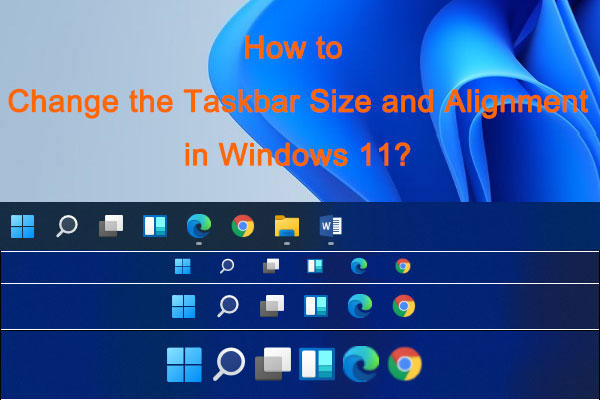
This post will show you how to change the taskbar size and how to move the taskbar to the left or center in Windows 11.
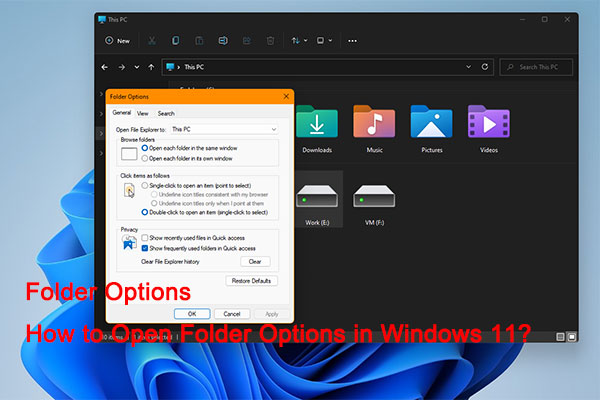
In this post, we will show you how to open Folder Options in Windows 11 using different and easy methods.

In this post, we will show you what Windows 11 Quick Settings is, how to open it, and how to edit it on your Windows 11 computer.

In this post, we will show you the new keyboard shortcuts in Windows 11 and how to use them on your Windows 11 computer.
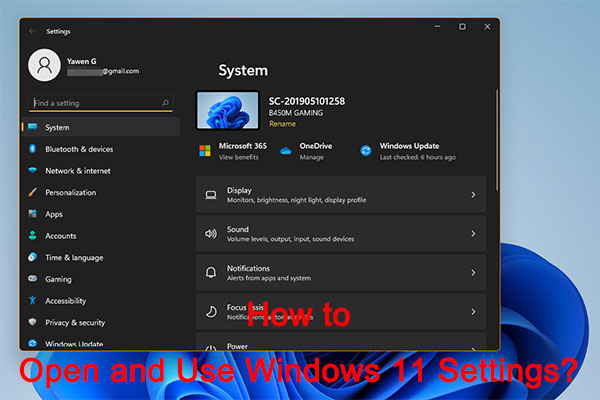
In this post, we will show you how to open Windows 11 new Settings and how to use it to modify your computer settings.
In this post, we will show you what’s new and fixes in Windows 11 Insider preview build 22000.65, the second Windows 11 Insider preview build.
![How to Format a Thumb Drive for Mac and PC? [Solved!]](https://images.minitool.com/minitool.com/images/uploads/2021/07/format-thumb-drive-for-mac-and-pc-thumbnail.jpg)
You can format a thumb drive for Mac and PC if you want to use the drive on both of these two operating systems. This post shows you how to do this.
This post shows you how to format a USB drive on Mac using Disk Utility and how to recover data from a formatted USB using third-party data recovery software.