
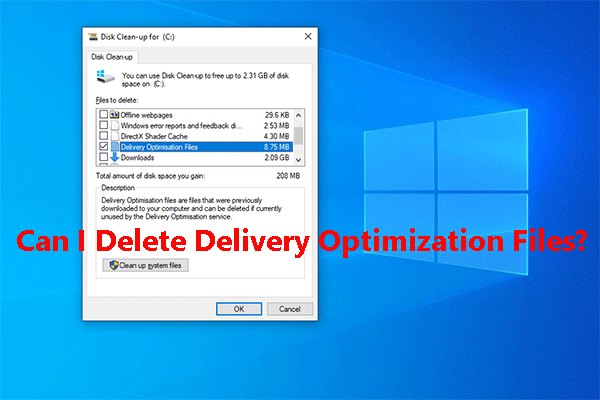
Can I Delete Delivery Optimization Files? Yes, You Can Do It
Can I delete Delivery Optimization Files without influcing my computer? Yes, you can do it and this post tells you how to do this job on Windows 10.
By Stella

Can I delete Delivery Optimization Files without influcing my computer? Yes, you can do it and this post tells you how to do this job on Windows 10.
You may encounter different kinds of Windows update issues. To fix it, you can try to delete Windows update files and then try update Windows again.

Windows 10 Quick access is a convenient feature in Windows 10. We will show you how to use Windows 10 Quick access in this post.
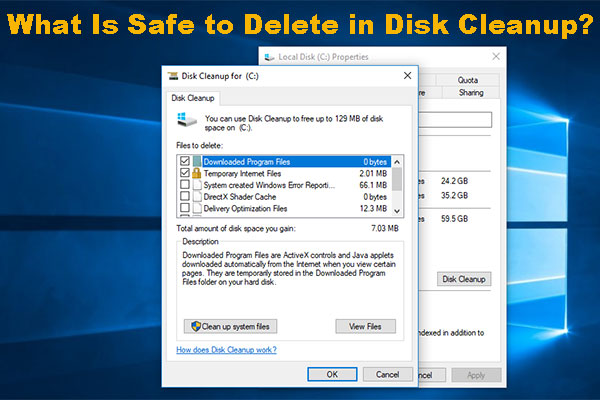
Disk Cleanup is a useful tool to free up disk space. But, do you know what is safe to delete in Disk Cleanup? Now, you can read this article to get the answer.

Why rebooting a computer fixes problems? This post tells you what does restarting your computer do and why it can solve your computer issues in this post.
Windows can show the device status in Device Manager. But, do you know how to check a device’s status in Device Manager? There is a guide in this post.
For some reason, you need to restart your computer. But, do you know how to reboot Windows 10 in a proper way to avoid unnecessary issues? There are 3 ways.

Do you know how to recover dash cam videos if you lost them by mistake? In this article, we will introduce different solutions based on various situations.
Sometimes, you may need to roll back the driver for certain device. In this post, we will show you how to roll back a driver for a device in the Device Manager.

Do you know what OTG is and do you know USB OTG function? In this post, we will show you some related information about USB OTG.
If your Windows 10 Quick Access not working or slow to open, do you know how to fix it? We will show you 3 available solutions in this post.
Windows10Upgrade folder is created by Windows 10 Update Assistant. You can delete it without influencing your PC. Read this post to learn how to delete it.