
3 Feasible Solutions to Disable Touchpad on Windows 10
If you want your computer’s touchpad to be turned off when you have a mouse connected to it, you can disable touchpad Windows 10. Here are the methods.
By Daisy / Published

If you want your computer’s touchpad to be turned off when you have a mouse connected to it, you can disable touchpad Windows 10. Here are the methods.
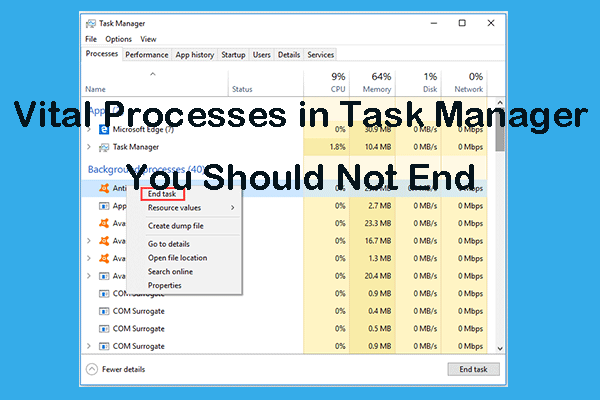
This post lists some important processes you should not kill in Task Manager. Check what processes you can or can’t end in Task Manager on Windows 10.
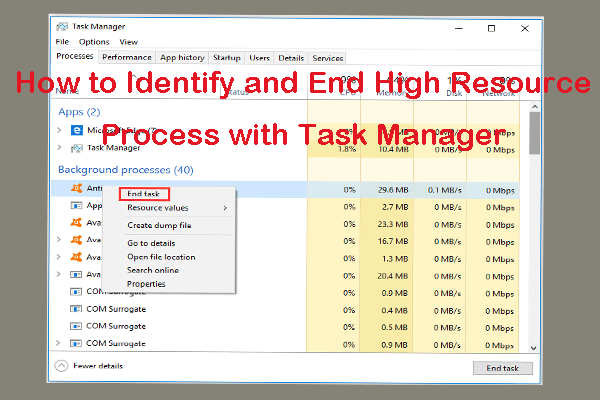
Learn how to identify and end high-resource processes using Task Manager on Windows 10, so as to fix computer slow or app freeze issue.

When you meet the Microsoft Setup Bootstrapper has stopped working error and don’t know what to do, then you can read this post to find 4 methods to fix it.
If you encounter the “file and print sharing resource is online but isn’t responding” issue, then you can find some useful solutions from this post.

Are you bothered by Windows 10 keyboard input lag? How to fix the slow keyboard response? Some simple methods are given in this post.
Do you know how to delete a virtual drive Windows 10? This post shows 3 ways to remove virtual drive Windows 10.
If you need to fix the “deleted printer keeps coming back in Windows 10” issue, read this post to get some useful methods to permanently delete printers.

According to the reports, the “selected boot image did not authenticate” error message seems to be related to HP computers only. Here are the methods.

This post introduces what Win32 Priority Separation is and the solution to use it to allocate more memory to a particular program in Windows 10.