Windows 10 Touchscreen Not Working? These Solutions Can Work
In this post, we show you 5 easy and effective solutions to solve the Windows 10 touchscreen not working on your laptop issue. Try them to help you out.
By Stella / Published

In this post, we show you 5 easy and effective solutions to solve the Windows 10 touchscreen not working on your laptop issue. Try them to help you out.

Environment variables Windows 10 are pretty important in the operating system. This post will show you how to set environment variables in Windows 10 manually.
There are many people complaining that they run into a black screen after Windows 10 update. This matter has already caught the attention of Microsoft.

Some people like to keep the Windows Defender Firewall off, but when they turn it on again, they may receive the 0x6d9 error. Here are solutions to fix it.

Do you want to know how to clear cache on Windows 10/8/7? Now, you can read this post to learn some solutions based on different situations.
Computer sometimes may fail to wake up from sleep Windows 10. This post demonstrates you how to fix the issue computer won’t wake up from sleep Windows 10.
A good choice to avoid eye strain is to adjust screen brightness. How to change brightness on Windows 10? Multiple methods are offered in this post.
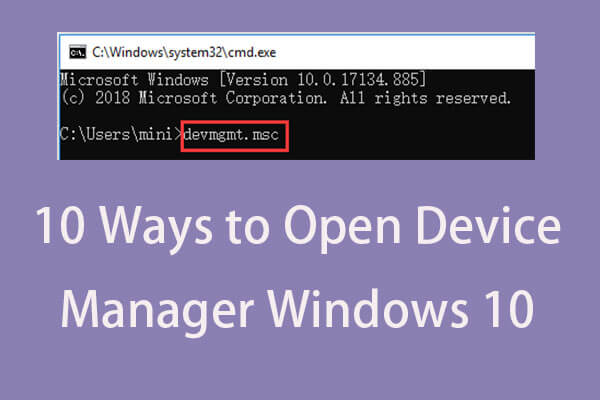
This tutorial offer 10 ways for how to open Device Manager Windows 10 incl. open Windows 10 Device Manager with cmd/command, shortcut, etc.
Microsoft is now working hard on the reveal password feature; it plans to add this feature to Chromium-based web browsers (Chrome and Edge) very soon.
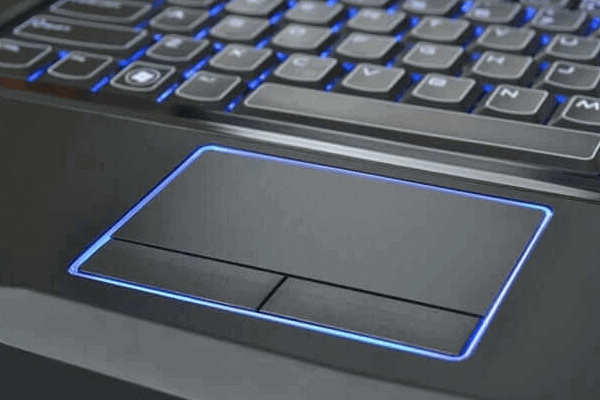
Laptop touchpad not working Windows 10? Check the 7 ways to fix touchpad not working on Acer/Toshiba/HP/Lenovo/Dell laptop on Windows 10.