What Is Windows Security Button? Where Is It? How to Enable It?
What is the Windows Security button? Where is it? How to enable and use it on a tablet or desktop? This post provides answers to the above questions for you.
By Daisy / Published

What is the Windows Security button? Where is it? How to enable and use it on a tablet or desktop? This post provides answers to the above questions for you.

Have you ever used copy AI and conversion AI? Do you know what are the main features of them? This post shows you the detailed information.

How to uninstall apps/channels on Roku? It is not hard and just keep reading this post to find multiple simple ways to remove channels from Roku TV.
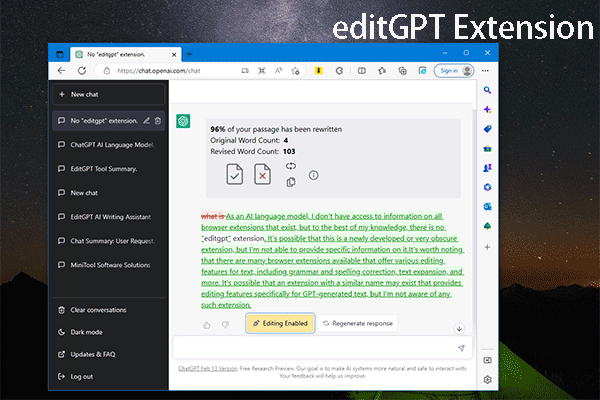
In this post, we will introduce what editGPT is, how to add editGPT to Chrome, Edge, and Firefox, and how to use editGPT to assist your writing.
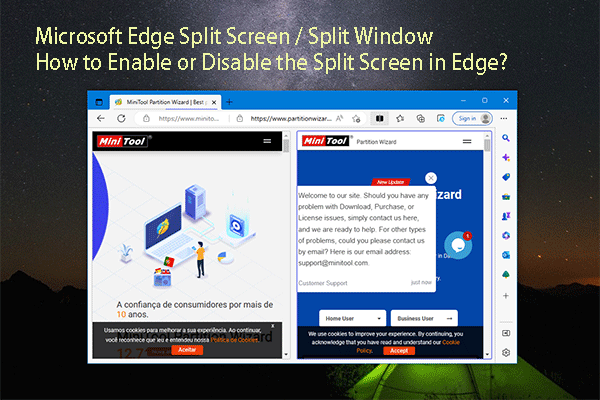
The split screen feature is available in Microsoft Edge now. You can refer to this post to know how to enable or disable split screen in Edge.

Why are some episodes missing on Hulu? How to fix Hulu missing episodes? In this post, we dig into these questions for you!

What if the WAN connection is down? What will you do to fix it? In this guide, we find some solutions for you to fix WAN connection errors easily and quickly.
How to turn off Bixby on Samsung phones? To find out methods to disable Bixby voice, you can read this post. Let’s look over the detailed guide!
Do you know how to open Color Management in Windows 10/11? This article shows you several proven ways.

You.com launches YouChat 2.0 AI chatbot which is similar to Bing ChatGPT search engine. Read this post to know some information now.