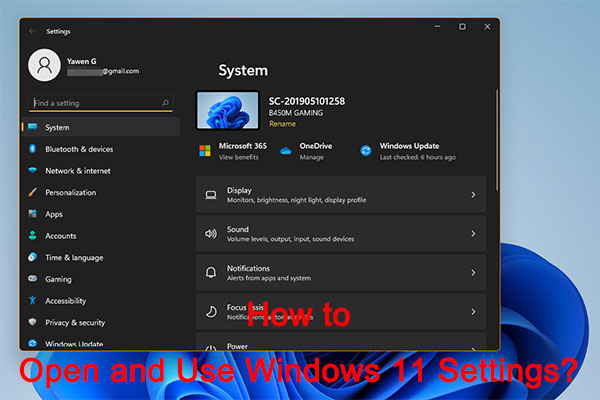
Windows 11 New Settings: How to Open it? | How to Use It?
In this post, we will show you how to open Windows 11 new Settings and how to use it to modify your computer settings.
By Stella / Published

In this post, we will show you how to open Windows 11 new Settings and how to use it to modify your computer settings.
How to double space in Google Docs? If you want to find the answers, this post is what you need. There are 2 ways available.
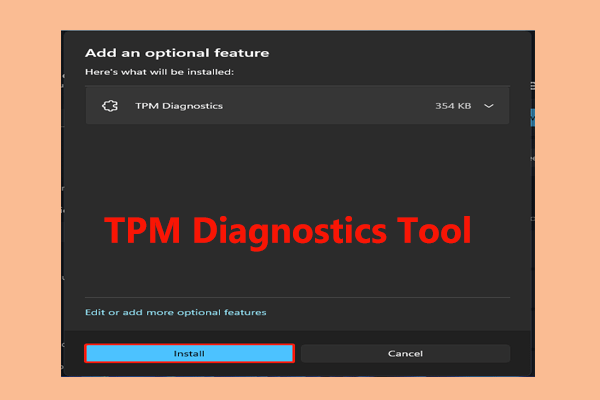
Windows 11 comes with an optional feature called the TPM Diagnostics tool. How to enable and use this tool in Windows 11? See this post to know more.
Dxdiag is a tool used to gather info and problems about Windows computer system, display, sound, video, etc. Check how to open/run dxdiag.exe on Windows 10/11.
In this post, we will show you what’s new and fixes in Windows 11 Insider preview build 22000.65, the second Windows 11 Insider preview build.

What to do if you encounter the black screen issue after adjusting the resolution to 1920x1080? This post provides some fixes for you.
This post teaches you how to download or update AMD drivers like AMD Radeon graphics drivers, AMD chipset drivers, AMD GPU drivers, etc. on Windows 10.
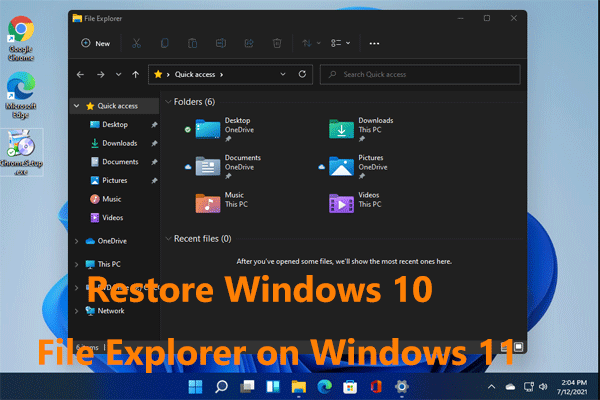
How can you switch back to Windows 10 File Explorer on Windows 11? The operation is easy and just follow the ways in this post.

How to fix the “Firefox your browser is managed by your organization” issue? This post provides some feasible and useful methods for you.
Microsoft Store app is built into Windows 10/11 that lets you browse and download various apps, games. Check how to open Microsoft Store app on Windows 10/11.