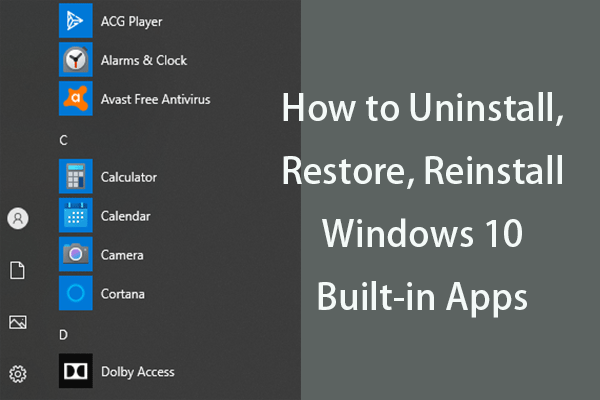
How to Uninstall, Restore, Reinstall Windows 10 Built-in Apps
This post teaches you how to uninstall, restore or reinstall Windows 10 built-in apps with detailed guide.
By Alisa / Published

This post teaches you how to uninstall, restore or reinstall Windows 10 built-in apps with detailed guide.

This post introduces what Wondershare is and how to fix the high CPU issue caused by wsappservice.exe. Now, you can continue to read this post.
You may see the AAE file in your photo folder. You may wonder what it is and should you delete it. This post provides a full introduction to the AAE file.
![[Solved] How to Backup WordPress Site and Database?](https://images.minitool.com/minitool.com/images/uploads/2020/11/how-to-backup-wordpress-site-thumbnail.png)
How to backup a WordPress site? How to back up the WordPress database? This guide shows you a clear clue and just make your choice.
You may see the Wmpnscfg.exe on your Task Manager. It’s related to Windows Media Player and UpdateLibrary. This post provides the details of UpdateLibrary.
![[Solved] QuickBooks Backup and Restore Company Files](https://images.minitool.com/minitool.com/images/uploads/2020/11/quickbooks-backup-thumbnail.png)
What is QuickBooks? Why need to back up QuickBooks? How to back up QuickBooks? And how to restore QuickBooks? All answers are here.
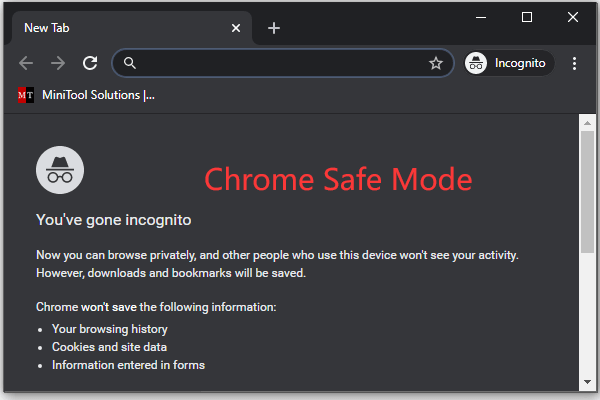
This post introduces how to start Chrome in safe mode, how to turn on or turn off Safe Mode in Chrome, Chrome Incognito mode shortcut.
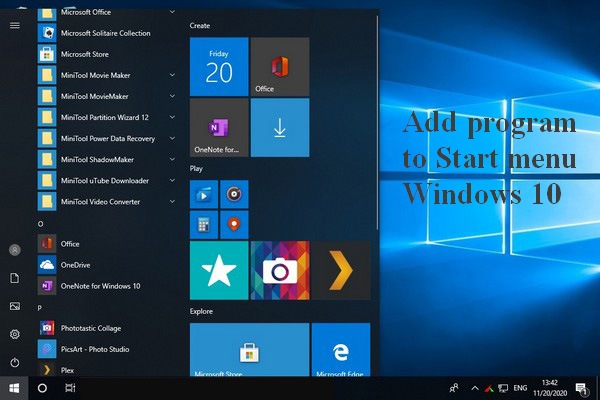
Some users would like to add program to Start menu Windows 10 in order to open the apps they need conveniently and quickly.
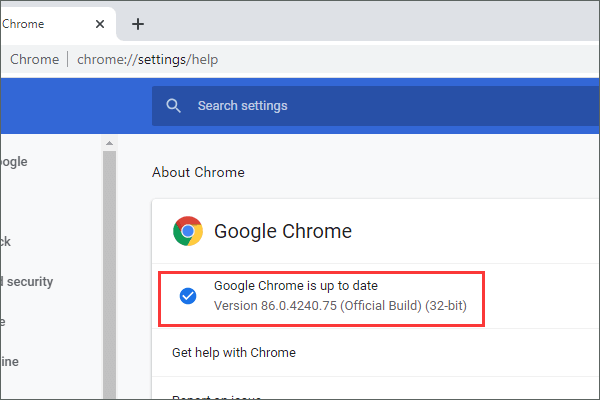
Is my Chrome up to date? Learn how to check if your version of Google Chrome browser is up to date in this tutorial.
There may be multiple audio outputs on your Windows 10 computer. But don’t worry; you can setup them so as to play sound on different devices.