How to Password Protect a Folder in Windows 10? 3 Ways for You!
This tutorial shows you how to password protect a folder in Windows 10 for privacy protection so that anyone other than you couldn’t access this folder.
By Vera / Published

This tutorial shows you how to password protect a folder in Windows 10 for privacy protection so that anyone other than you couldn’t access this folder.
Ransomware protection comes with Windows Defender in Windows 10 October 2017 update. This post shows how to enable it in Windows Defender.
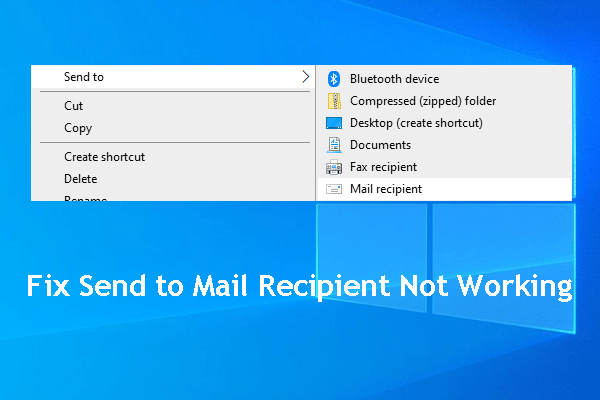
Have you ever encountered the send to mail recipient not working issue? Do you know how to get rid of it? You can get some solutions from this post.
Since Gartner analysts issued a warning about Windows 10 Pro, Microsoft has made it clear that it wishes companies to use Windows 10 Enterprise not Pro.
New fixes for older versions of Windows 10 has been launched by Microsoft. This post mainly talks about fixes for Windows 10 V1809, V1709, V1703.
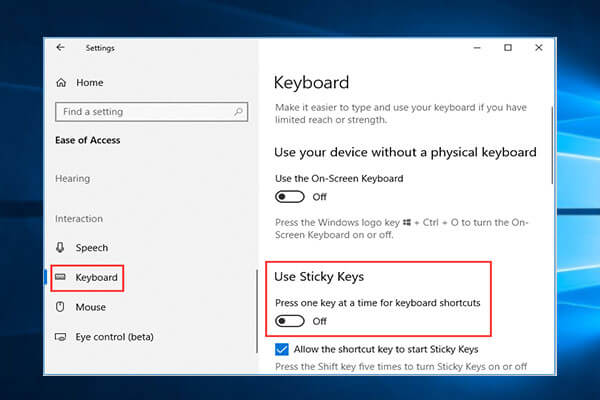
Here are the 4 ways for how to turn off sticky keys on Windows 10. Learn what sticky keys are and how to disable sticky keys on Windows 10 with ease.
Notepad becomes a separate Store app starting with new Windows 10 20H1 test build. With this new change of Notepad, you can update it in the Microsoft Store.
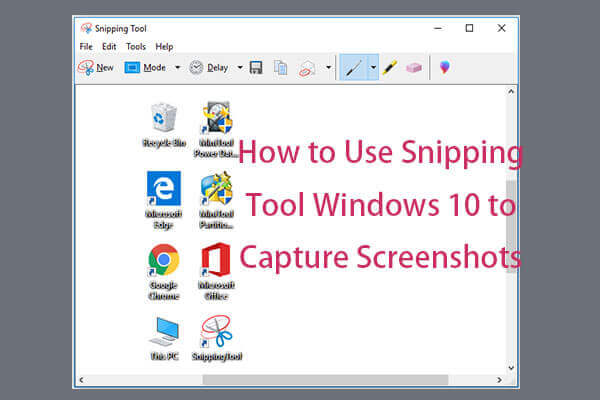
5 ways to open Snipping Tool Windows 10. Learn how to use it to take screenshots in Windows 10 to share it with friends or upload to Instagram, Facebook, etc.
Some Windows users are complain that they are troubled by the error 0x80073701. This post shows 3 solutions to Windows update error 0x80073701.
“Link to Windows” is a new feature on Galaxy Note 10/Note 10+. But, now it is ported to older Samsung phones. This post will tell you how to get it.