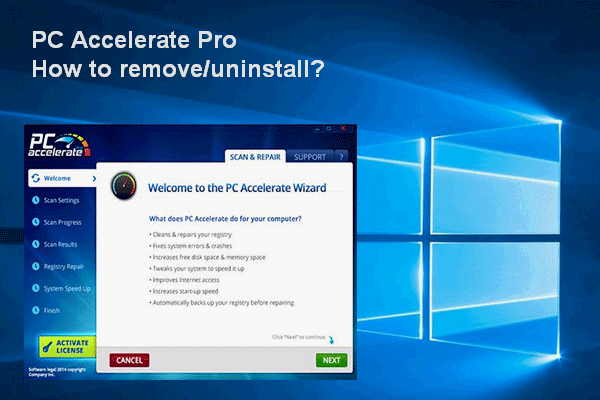
How To Remove/Uninstall PC Accelerate Pro Completely
The PC Accelerate Pro is a fake system optimizer that people don't want. Here’s how to get rid of it completely on Windows.
By Sarah

The PC Accelerate Pro is a fake system optimizer that people don't want. Here’s how to get rid of it completely on Windows.
People are wondering how to delete Win setup files in Windows 10 in order to get more free space on disk for storing new data.

The error 1005 will appear with an access denied message; it stops users from accessing a certain webpage they want successfully.
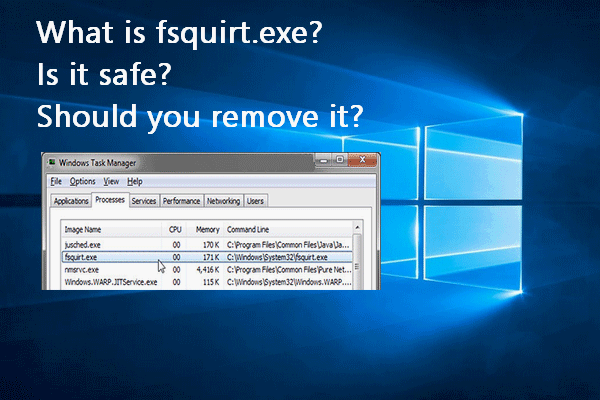
You can find fsquirt.exe in both computer local drive and Windows Task Manager. What does it mean? Can you remove it manually?
This post will introduce some tricks and the detailed steps to speed up a slow Mac. Please mater these tips in case you need them.
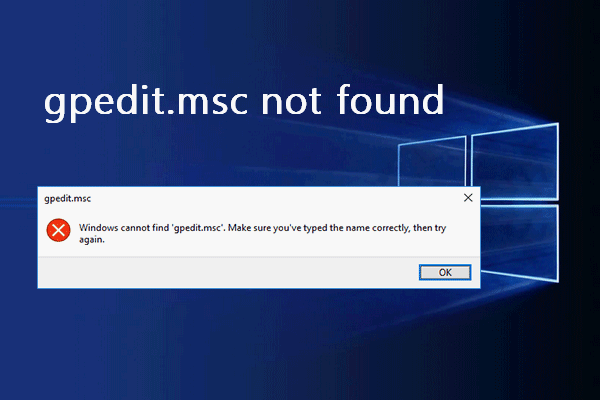
Users said they see the gpedit.msc not found error when trying to open the Group Policy Editor on computer.
Users reported that they come across error while creating copy in Google Drive and they are eager to know how to solve the problem.
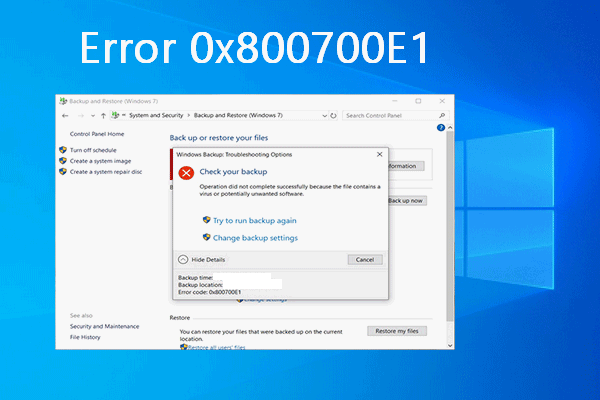
The error 0x800700E1 may occur in a window when users try to make a backup on a Windows computer but failed due to certain reasons.
It’s annoying to find your computer keeps waking up from sleep when you want it stay asleep for certain reasons.
![[Fixed] Windows Video App Can’t Play, Error Code 0xc1010103](https://images.minitool.com/minitool.com/images/uploads/2020/06/0xc1010103-cannot-play-video-thumbnail.png)
The error code 0xc1010103 will show up when users try to play MKV video files on Windows 10 by using the default video app.

Some people find auto refresh in Chrome, Firefox, IE, and other browsers. How do you stop the auto refresh when you don’t need it?
With the development of disk technology, the world’s first petabyte hard drive will appear in the near future and it could contain glass.