

5 Ways to Fix OneNote Opening Files in Read-Only Mode
This article put forwards several useful ways to deal with the issue of “OneNote opening files in read-only mode” in Windows 10.
By Shirley

This article put forwards several useful ways to deal with the issue of “OneNote opening files in read-only mode” in Windows 10.

This article talks about how to enable selection checkboxes in File Explorer in several useful ways on Windows 10.
This post explains how to stop Windows 10 from deleting files automatically and recover deleted data.
![[Fixed]: Files Get Deleted When Left-Clicking in Windows](https://images.minitool.com/minitool.com/images/uploads/2023/04/files-get-deleted-when-left-clicking-thumbnail.png)
Are your files get deleted when left-clicking? If yes, you can read this post to get several feasible solutions to fix it and recover left-click deleted files.

This post talks about how to open file properties in Windows 10/11 and how to recover lost files or folders.
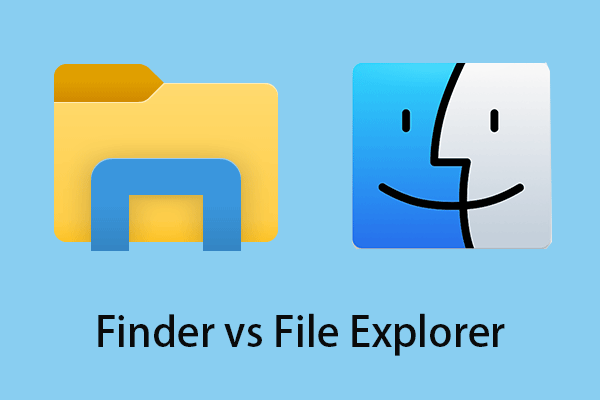
Do you know the difference between Finder and Windows Explorer? This post describes several aspects of Finder vs File Explorer.
This article explains what Memory Compression is and describes how to enable/disable Memory Compression in Windows 10.

Do you know how to fix the “create new text document missing” issue? This post shows you how to add a new text document to the right-click menu.
If you want to open File Explorer to a specific folder, you can read this article to learn how to change the default folder in File Explorer in Windows 10.
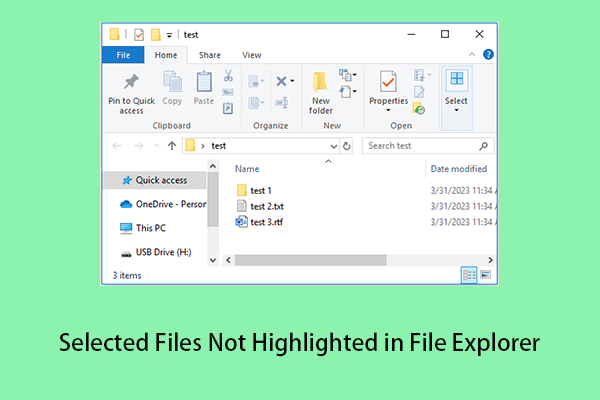
If you are encountering the issue of “selected are files not highlighted in File Explorer”, you can get several useful methods from this article.
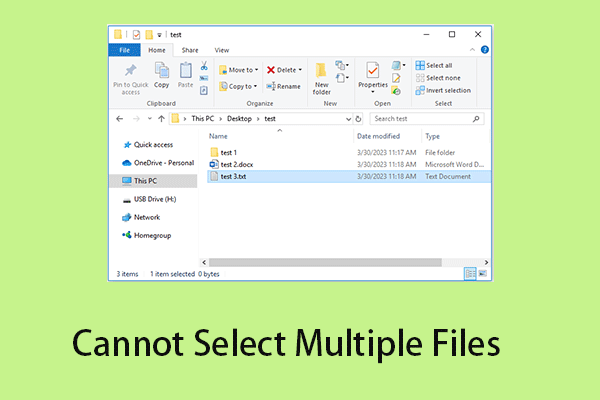
If you cannot select multiple files in Windows 10/11, you can read this post to get useful solutions to fix it.
This post put forwards a couple of ways including using a free data recovery tool to help you recover OneNote files in Windows 10/11.