5 Reliable Ways to Hide Windows Defender Icon Windows 10
How to remove or hide Windows Defender icon from the Taskbar or system tray. This post shows you 5 different ways.
By Tina / Published

How to remove or hide Windows Defender icon from the Taskbar or system tray. This post shows you 5 different ways.
Windows 10 booting failure is a popular issue; this post tells you how to fix when Windows 10 cannot boot and Windows boot manager failed error appears.
Windows Hello provides a completely new way to log into your Windows 10 computer; you don’t need to input password or passcode anymore.
If you are encountering the ‘Someone else is still using this PC’ error but you don’t know how to fix it, you can read this post to get some useful methods.

If you want to fix the default gateway is not available error, then you should read this article, which will offer you several efficient methods to fix it.
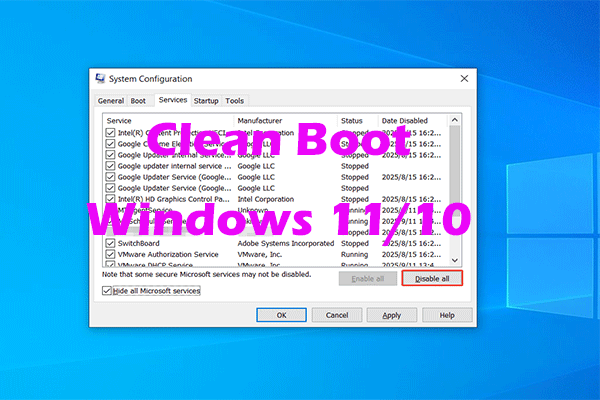
A clean boot helps identify third-party software conflicts. Learn how to perform a clean boot, how to find the problematic item, and more.
The Lock screen is more than just an image in the background. This post can help you personalize it and get the most out of the experience on Windows 10.

The Windows Firewall may prevent your program from access the Internet. This post shows you how to allow a program through Firewall Windows 10.

This post will give you an introduction to the boot sector virus and the way to get rid of it. And you can know how to avoid getting boot sector viruses again.

Is Win32:Bogent a virus? You can find the answer from this post. It will also show you how to deal with Steam false positive and real virus infection.