How to Make or Disable Chrome Always on Top Windows 10
Learn how to make Chrome always on top of other windows in Windows 10 in 3 ways. Also learn how to disable Chrome always on top.
By Alisa / Published

Learn how to make Chrome always on top of other windows in Windows 10 in 3 ways. Also learn how to disable Chrome always on top.
Destiny 2 Steam transfer is necessary since the Destiny 2 PC has been moved to Steam. You should follow this guide to move your account to Steam easily.
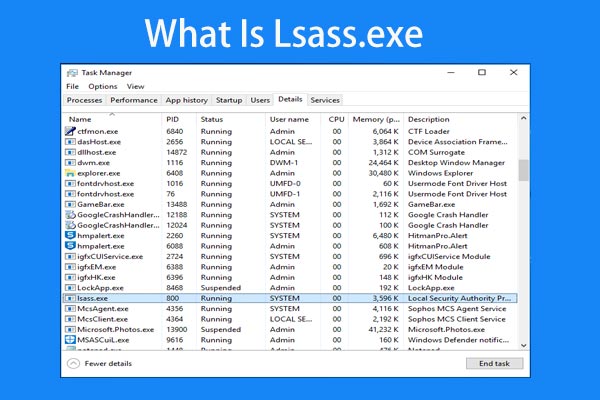
What is lsaas.exe? Is it safe? How to remove the lsaas.exe error? After reading this post, you can find the answers to these questions.

What is Discord Slow Mode? How to set up it? How to turn off it on your PC or mobile phone. Now, read this post to find detailed information.
When you are using Windows Media Player, you may come across the error that Windows Media Player can’t find album info. This post shows how to fix it.
Do you want to convert Keynote to PowerPoint? This page shows you how to convert KEY to PPT on Mac, iPhone/iPad, or iCloud.
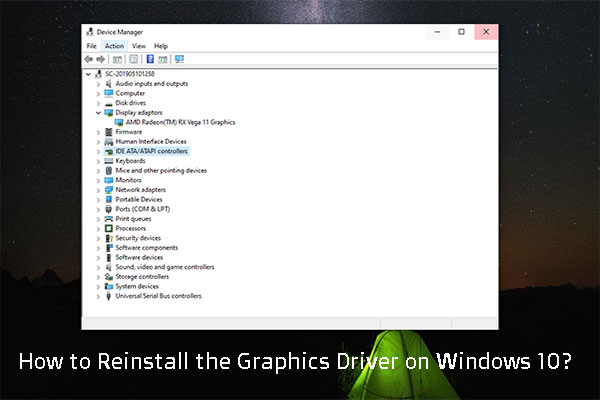
In this post, we will show you how to reinstall the graphics driver on your Windows 10 computer including the uninstalling and reinstalling steps.
When dealing with Steam issues, one of the steps you must perform is to repair the Steam client. Here is how to do the Steam repair. Follow this guide.
When deleting a file, you may get the error “could not find this item” in Windows 10. Take it easy and just try some solutions to fix it.
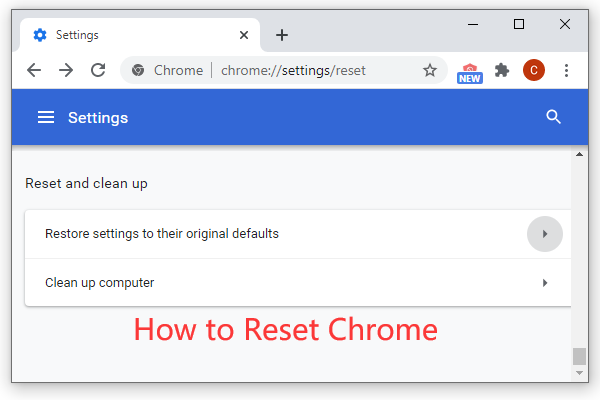
How to reset Chrome? Restore Google Chrome browser settings to default in 2 steps, from the Advanced section of Chrome Settings page.