
Best 2 Ways to Boot to Command Prompt in Windows 10
Best 2 ways to boot to Command Prompt Windows 10. Check how to open Command Prompt at boot in Windows 10, how to repair Windows 10 using Command Prompt.
By Alisa

Best 2 ways to boot to Command Prompt Windows 10. Check how to open Command Prompt at boot in Windows 10, how to repair Windows 10 using Command Prompt.
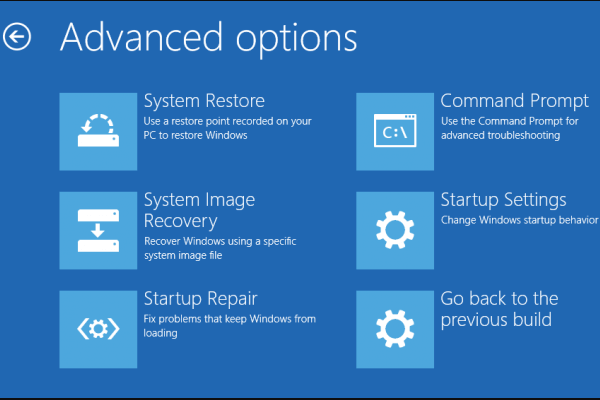
These 9 ways can help you access Advanced Options Windows 10. Easily get into Advanced Startup/Boot Options in Windows 10 to troubleshoot and fix PC issues.

Windows reboot vs reset vs restart. Check the differences between Windows reboot/restart and reset, and how to reboot/restart computer or reset Windows 10 PC.
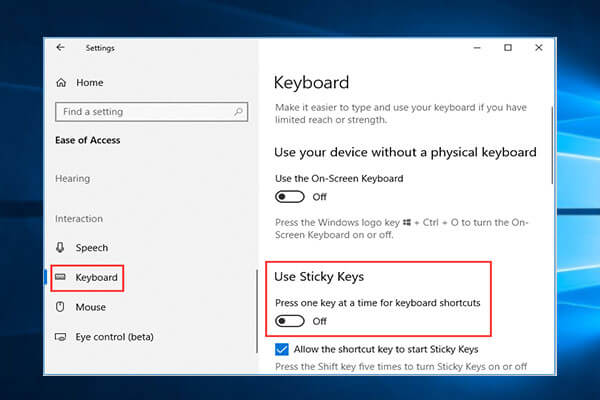
Here are the 4 ways for how to turn off sticky keys on Windows 10. Learn what sticky keys are and how to disable sticky keys on Windows 10 with ease.
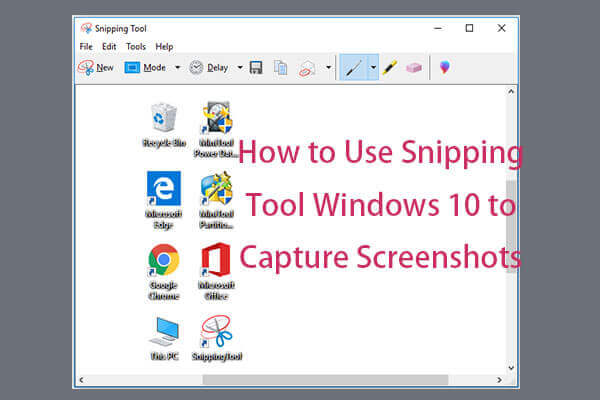
5 ways to open Snipping Tool Windows 10. Learn how to use it to take screenshots in Windows 10 to share it with friends or upload to Instagram, Facebook, etc.

This post lists 6 things to do when you get a new Windows 10 laptop/computer incl. make system image backup/automatic backup, install a file recovery software.

4 ways to change/reset password Windows 10. Full guide for how to remove/bypass password in Windows 10 and how to unlock Windows 10 if you forgot the password.

Use these two ways to change Windows 10 lock screen timeout. Learn how to change Windows 10 lock screen timeout by editing registry or using Command Prompt.
Detailed guides on how to delete downloads on Mac, Windows 10, iPhone, iPad, Android, and any device. Delete downloaded files Win 10/Mac/Android/iPhone/iPad.
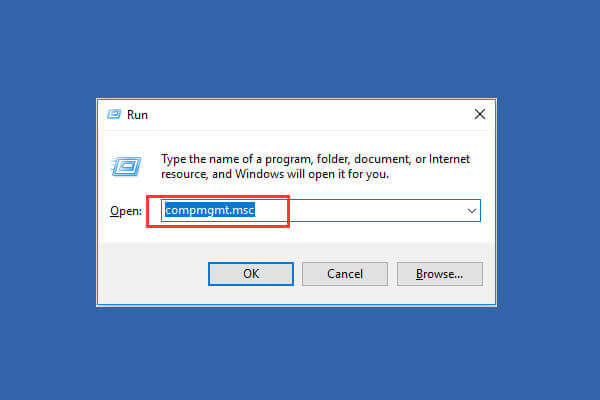
This tutorial provides 9 ways for how to open Computer Management in Windows 10, incl. open computer management with command/cmd.

Guides on how to change default browser Windows 10/8/7. Learn how to make Chrome or Firefox as default browser in Windows 10/8/7 or Android.

Excel cannot open the file because the extension is not valid or the Excel file is corrupt? 5 solutions to fix this error and repair corrupt Excel file.