
The Destiny 2 On Google Stadia Is Free To All
You are going to be able to play Destiny 2 anywhere for free; the free support for Stadia will be starting on November 19th.
By Sarah

You are going to be able to play Destiny 2 anywhere for free; the free support for Stadia will be starting on November 19th.
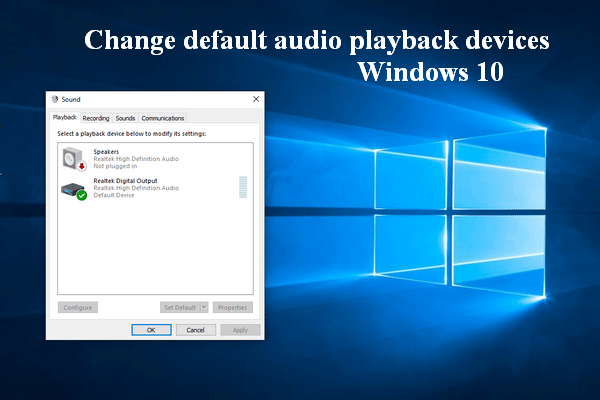
If you don’t know what playback devices Windows 10 are and how to access/change them from your computer, please read this page.
This page shows you how to update audio drivers on a Windows computer step by step: Windows 10 and Windows 7 are included.
Do you know how to check for Windows updates? This post shows you how to check & troubleshoot even when the Check for updates button is greyed out.

To help users find the best 4K laptop to satisfy their actual needs, this page lists some popular laptops with a 4K display.
Destiny 2 Steam transfer is necessary since the Destiny 2 PC has been moved to Steam. You should follow this guide to move your account to Steam easily.
Do you want to convert Keynote to PowerPoint? This page shows you how to convert KEY to PPT on Mac, iPhone/iPad, or iCloud.

Do you want to carry your Destiny 2 progression between multiple platforms? Destiny 2 cross save can help you do that.
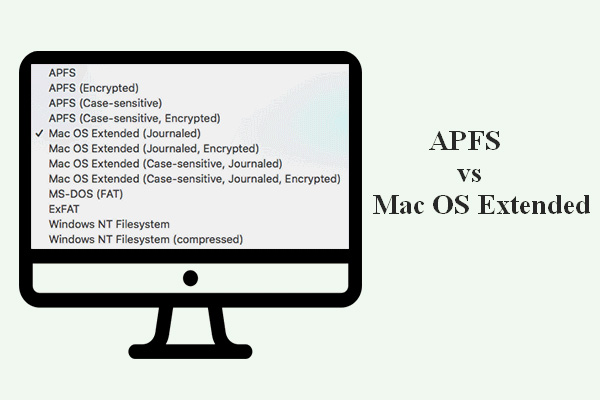
Are you interested in APFS vs Mac OS Extended? This post introduces these two Mac file systems to you and tells you how to format a hard drive on Mac.
If you find the Windows 7 running slow, you must want to speed it up, right? This page offers some tips to help you make Windows 7 faster.
Many users want to finish the Dell BIOS update process on their own, but they don’t know what to do exactly.
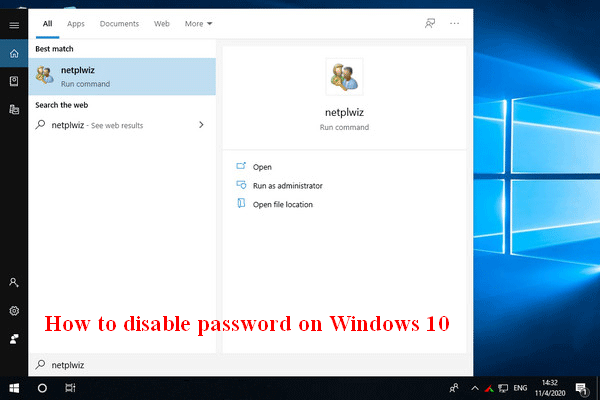
Many people are asking the same question - how to disable password on Windows 10 - since they find it’s troublesome to enter password every time.