
Windows 11 KB5013943 Is Released with Some Bug Fixes
Windows 11 KB5013943 is available now on Windows 11 devices. Here are the bug fixes in it and how to get it on your PC.
By Stella

Windows 11 KB5013943 is available now on Windows 11 devices. Here are the bug fixes in it and how to get it on your PC.
In this post, we will show you the changes, improvements, and fixes in Windows 10 KB5013942 and how to get it on your Windows 10 device.
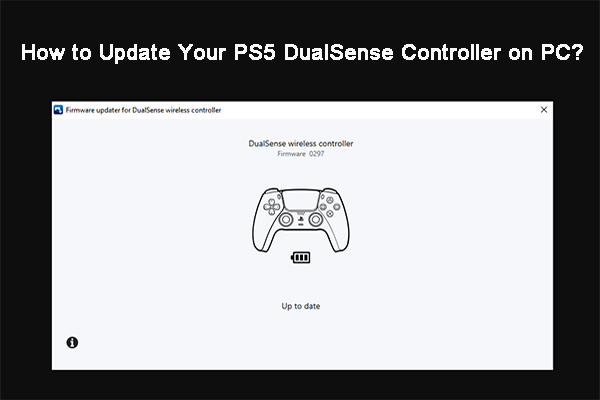
In this post, we will show you how to update the PS5 DualSense controller on a PC via the app Firmware updater for DualSense wireless controller.

In this post, we will introduce the new and improved Chrome screenshot tool, which is now available in Google Chrome Canary.
In this post, we will show you some easy guides on how to install device drivers manually on your Windows 11 and Windows 10 computers.
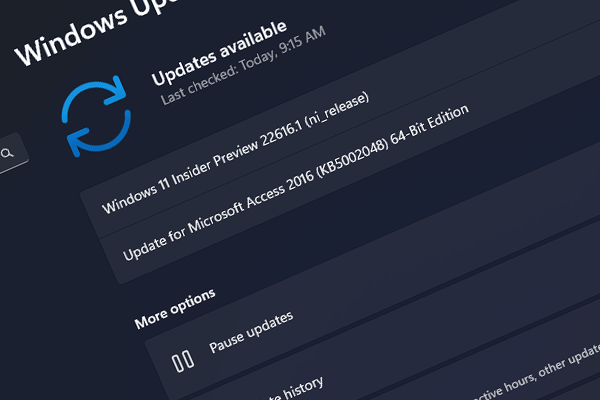
In this post, we will show you what’s new in Windows 11 build 22616 and how to get this latest Windows 11 build on your computer.

It is reported that Windows 11 KB5012643 crashes some .Net apps. If you encounter this issue, you can uninstall this update to solve it.

In this post, we will show you the improvements and fixes on Windows 11 build 22610 and how to get this update on your device.

In this article, we will introduce some best free malware removal tools to help you remove malware from your device and safeguard your computer.
This post introduces the new changes, improvements, and fixes in Windows 10 KB5011831. Here are also two ways to get this update on your device.

This post shows you the easy methods to zip or unzip files on your Windows 11 computer using native compression support.

In this post, we will show you a full guide on how to transfer bookmarks from one Google account to another on your computer.