
How to Download and Install Windows 10 21H2 Preview on Your PC?
In this post, we will show you a simple guide on how to download and install Windows 10 21H2 on your computer.
By Stella

In this post, we will show you a simple guide on how to download and install Windows 10 21H2 on your computer.
You can find some methods on how to disable User Account Control in Windows 11/10 and how to disable UAC for specific applications in Windows 11/10.
This post shows you what’s new and fixes in Windows 11 Insider preview build 22000.132, and how to get it on your computer.
![How to Open Control Panel in Windows 11? [7 Ways]](https://images.minitool.com/minitool.com/images/uploads/2021/08/how-to-open-control-panel-in-windows-11-thumbnail.png)
This post introduces how to open Control Panel in Windows 11 using different methods and some other related information.
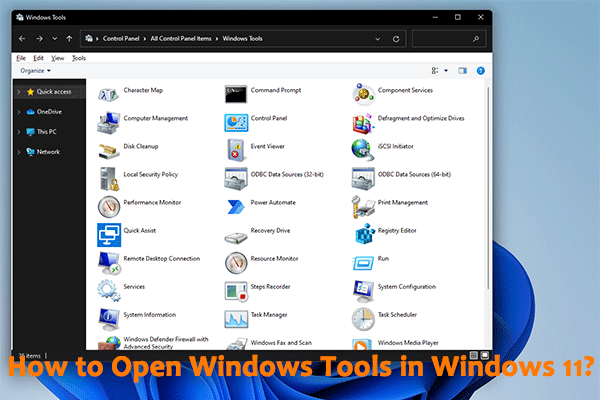
You could learn how to open Windows Tools in Windows 11 using different and easy methods from this MiniTool post.
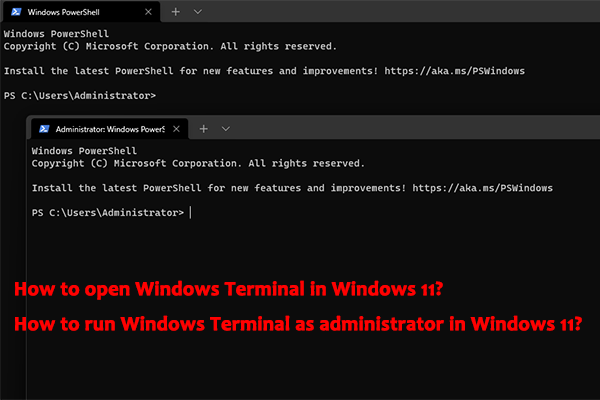
Do you know how to open Windows Terminal in Windows 11 or how to run Windows Terminal in Windows 11? You could get some ways from this post.

In this post, you could get different methods to shut down or restart your Windows 11 computer when you need to do this.

This post shows you the methods to recover your lost files after upgrading to Windows 11 and some related information.
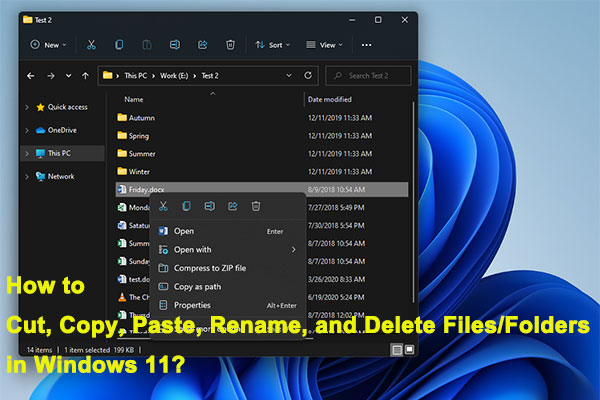
From this post, you can know how to cut, copy, paste, rename, and delete a file or a folder on your Windows 11 computer.
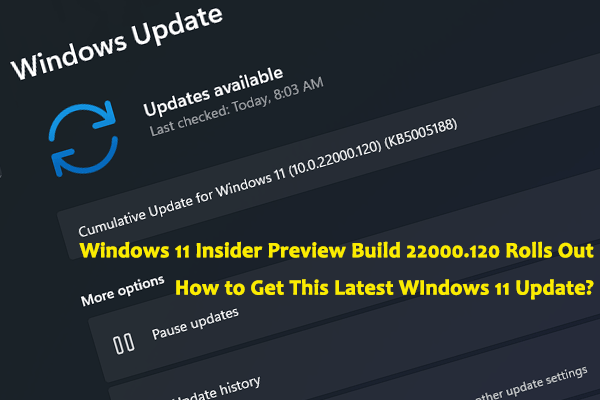
This post shows you what’s new and fixed in Windows 11 Insider preview build 22000.120 and how to get and install the latest Windows 11 update.
![How to Download & Install Windows 11 on Your Computer? [5 Ways]](https://images.minitool.com/minitool.com/images/uploads/2021/08/how-to-download-windows-11-thumbnail.jpg)
Do you know how to safely and free download Windows 11 on your computer? In this post, we will show you some available methods.

In this post, we will tell you where the Refresh button is in Windows 11 and how to refresh in Windows 11 using different methods.