
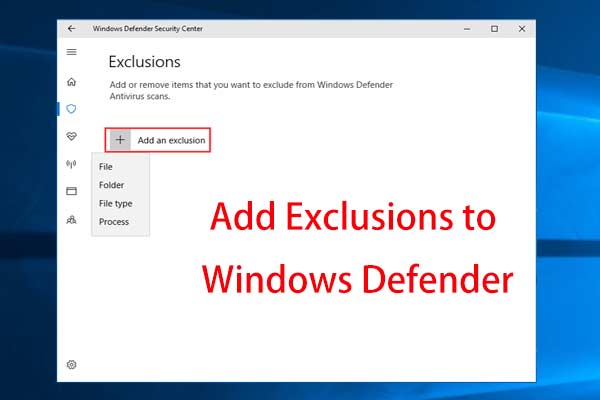
Something You Should Know on Windows Defender Exclusions
Don’t want Windows Defender to mark your trusted file or program as malicious? This post will show you how to add Windows Defender exclusions.
By Vera

Don’t want Windows Defender to mark your trusted file or program as malicious? This post will show you how to add Windows Defender exclusions.
Why is CPU usage at 100% in Windows 11/10? Learn the most common causes of high CPU usage and how to lower it with 8 proven solutions.
Do you receive the error “the username or password is incorrect” when signing into Windows 10 after an update? This post will give you some useful ways.
Is your monitor not displaying full screen in Windows 10? This post will walk you through how to easily fix this issue to make it full screen.
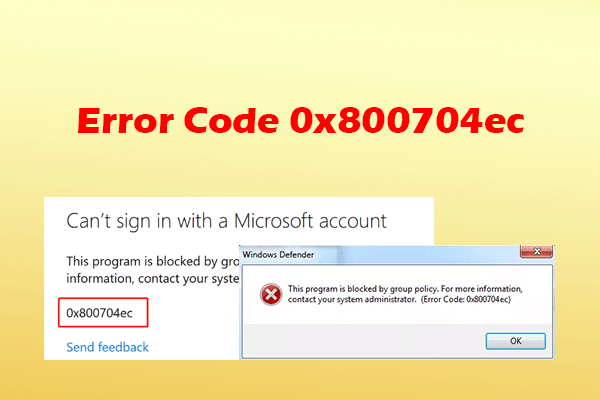
Learn why Windows Defender or Microsoft Store error code 0x800704ec occurs in Windows 10/11 and how to fix it via 9 proven fixes.
Is Windows 10/11 keyboard not working when you are using a laptop? Take it easy and this post will walk you through some useful methods to help you out.
This tutorial shows you how to password protect a folder in Windows 10 for privacy protection so that anyone other than you couldn’t access this folder.

How to increase virtual memory in Windows 10 when it is low? This post will show you some a simple method to add virtual memory to fix this issue.
Is Windows 10 Bluetooth not working? How to fix the Bluetooth problem? This post will show you five simple methods with detailed steps.
How to create a desktop shortcut on Windows 10 so that you can easily access frequently used apps or files. This post shows you 3 categories on the creation.
Sometimes you may find there is an icon in Windows 10 saying “your location is currently in use”, which is annoying. Here is how to fix it.
If you don’t want Windows to keep your recently opened files, you can choose to clear recent files in Windows 10. This post will offer you some methods.