
Why Rebooting a Computer Fixes Problems? Answers Are Here
Why rebooting a computer fixes problems? This post tells you what does restarting your computer do and why it can solve your computer issues in this post.
By Stella / Published

Why rebooting a computer fixes problems? This post tells you what does restarting your computer do and why it can solve your computer issues in this post.
How to fix the issue of your computer appears to be correctly configured Windows 10? This post shows you several solutions.
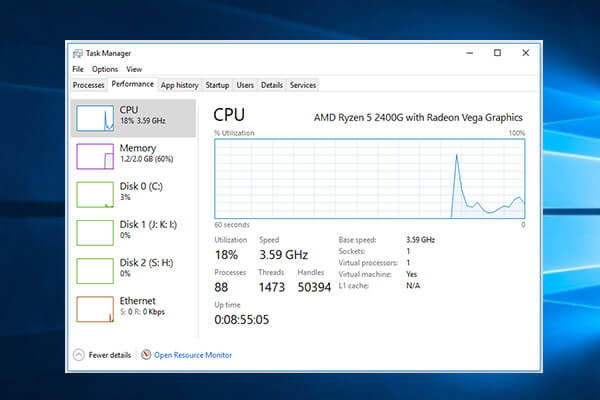
What CPU do I have? This posts offer guides for how to check CPU/processor type in 5 ways, and how to check CPU speed, usage, temperature in Windows 10 or Mac.
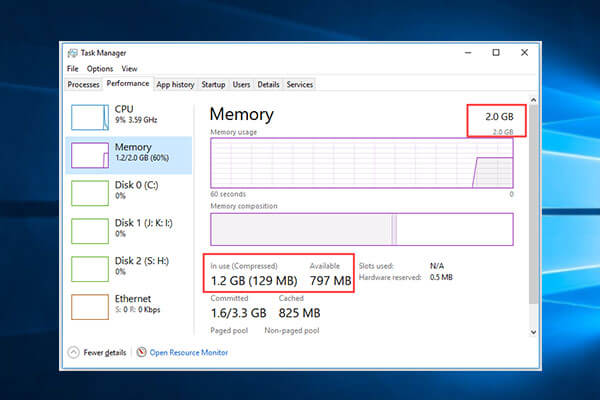
How much RAM do I have in Windows 10 or Mac computer? Tutorial for how to check RAM Windows 10, how to check how much RAM is being used or available.
Some users said they see the error message: Microsoft Excel is trying to recover your information when using Microsoft Office.

If you want to create a Windows 10 guest account, but don’t know how to create it, then you can read this post to find an efficient way to create.
Windows can show the device status in Device Manager. But, do you know how to check a device’s status in Device Manager? There is a guide in this post.
Are you troubled by the Fn key not working problem on Windows? If yes, you need to read this post. It will offer you some useful methods to fix this issue.
Software Distribution folder is an essential component for Windows Update on Windows 10. Sometimes, you need to rename or delete it. Here is how to do that.
It is very urgent for users to restore administrator account in Windows 10 if they have deleted it by mistake sometimes.