How To Check If Your CPU Is Supported By Windows 11 Or Not
Before getting the new system – Microsoft Windows 11, you should figure out whether your CPU can support and run on it.
By Sarah / Published

Before getting the new system – Microsoft Windows 11, you should figure out whether your CPU can support and run on it.
Detailed guide for how to uninstall a program by using CMD (Command Prompt) or PowerShell utility on Windows 10/11.
If you don’t want to upgrade to Windows 11, what will happen? What should you do if you continue using Windows 10? See the guide to know much.
Learn how to open/use the Add or Remove Programs feature to uninstall apps on Windows 10/11. Some other ways to delete apps on Windows 11/10 are also included.
![[Wiki] NAND Mirroring Definition/Functions/Possibility/Risks](https://images.minitool.com/minitool.com/images/uploads/2021/07/nand-mirroring-thumbnail.png)
What does NAND mirroring mean? How NAND mirroring works? Is it possible to carry out NAND mirroring? What are the potential risks of NAND mirroring?
How to check RAM on Windows 11? It is an easy task and you can follow ways in this post to check RAM speed, size, type, and more.
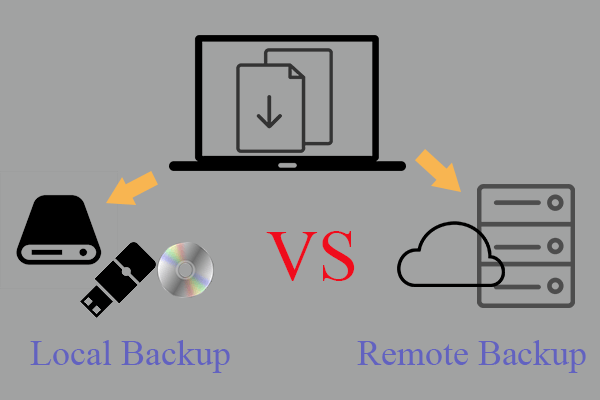
What are remote backup & local backup? What are the differences between them? How to make local or remote backup via professional, reliable, and free solution?
This post will show you how to download and safely install Windows 11 Insider Preview on your current computer.
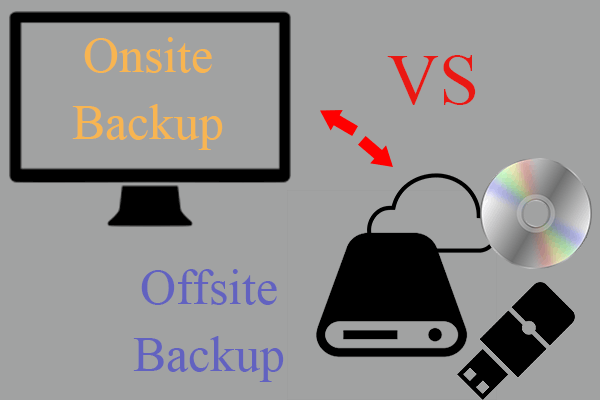
What are offsite and onsite backup? Why should backup media be stored offsite or onsite? How to create an onsite or offsite backup? Click here!
How to update drivers in Windows 11 to fix some errors or improve PC performance? This post gives you some efficient methods for driver update.