What Happens If You Do Not Upgrade to Windows 11? Do These!
If you don’t want to upgrade to Windows 11, what will happen? What should you do if you continue using Windows 10? See the guide to know much.
By Vera / Published

If you don’t want to upgrade to Windows 11, what will happen? What should you do if you continue using Windows 10? See the guide to know much.
Learn how to open/use the Add or Remove Programs feature to uninstall apps on Windows 10/11. Some other ways to delete apps on Windows 11/10 are also included.
![[Wiki] NAND Mirroring Definition/Functions/Possibility/Risks](https://images.minitool.com/minitool.com/images/uploads/2021/07/nand-mirroring-thumbnail.png)
What does NAND mirroring mean? How NAND mirroring works? Is it possible to carry out NAND mirroring? What are the potential risks of NAND mirroring?
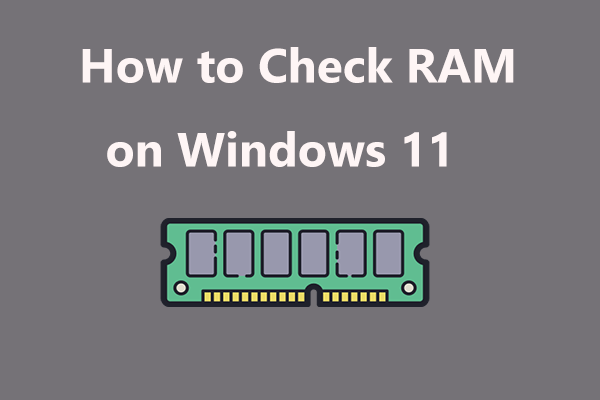
How to check RAM on Windows 11? It is an easy task and you can follow ways in this post to check RAM speed, size, type, and more.
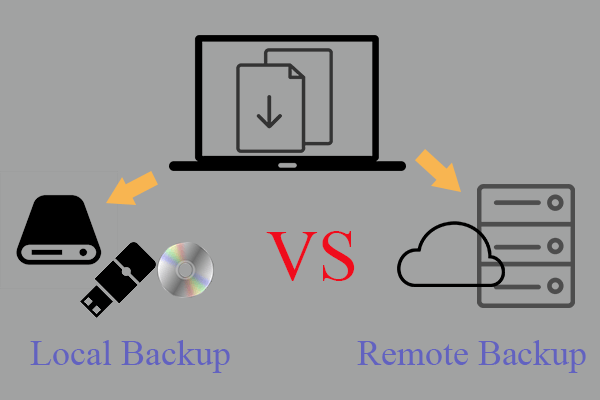
What are remote backup & local backup? What are the differences between them? How to make local or remote backup via professional, reliable, and free solution?
This post will show you how to download and safely install Windows 11 Insider Preview on your current computer.
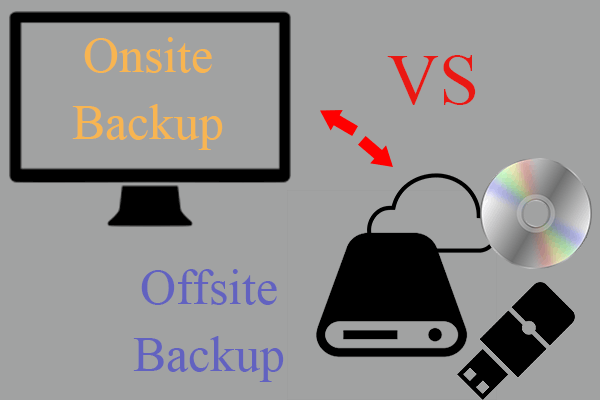
What are offsite and onsite backup? Why should backup media be stored offsite or onsite? How to create an onsite or offsite backup? Click here!

How to update drivers in Windows 11 to fix some errors or improve PC performance? This post gives you some efficient methods for driver update.
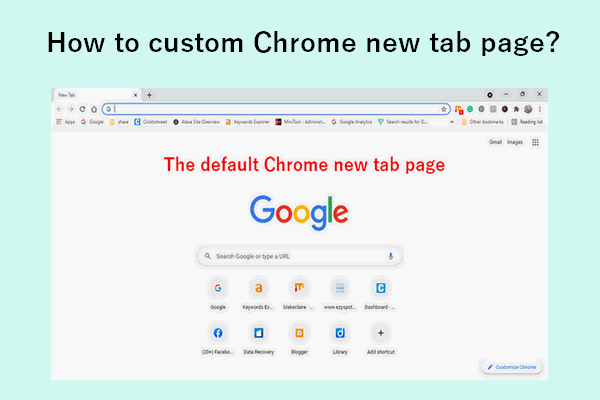
Google gives you enough power to customize a new tab page in the Chrome browser. Thus, you can see the content you expect the most.
When you encounter the “Samsung tablet Won’t Turn on” issue, do you know how to fix it? If you don’t know, you can refer to this post.