
How to Use a Computer without a Mouse or a Keyboard on Win?
Do you know how to use a computer without a mouse or a keyboard? In this post, we will introduce you three available choices to do like that.
By Stella

Do you know how to use a computer without a mouse or a keyboard? In this post, we will introduce you three available choices to do like that.
If you are bothered by mouse cursor disappears on Windows10/Surface/Chrome, you can go to try the methods mentioned in this post to help you out.
This article tells you how to make laptop battery last longer in different ways. You can use one or more of these methods to extend laptop battery life.
Predictive text can help you correct your mistakes in spelling. In this post, we will introduce how to enable text prediction in Windows 10.

Are you looking for web browsers for Windows? Now we will show you some alternative browsers for Windows and you can choose a suitable one for further use.
To enjoy the good experience when playing games, you can choose to disable Windows key on your computer. This post will show you how to do this job.
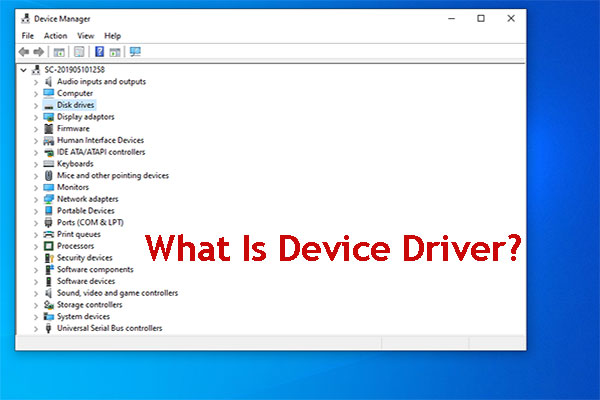
What is a device driver? What about the types of device drivers? What are its purposes? In this post, we will show you this related information.
Do you know how to fix the Android file transfer not working or responding issue? In this post, we collect some solutions that are proved to be effective.
In this post, we will show you some useful and convenient Google Chrome tips and tricks with which you can do your work much faster.
If you are using Windows 10 version 1903, you may be bothered by the Microsoft Visio hangs issue. Now, there is one effective solution in this post.

Adobe Flash support end of life will arrive in 2020. Before that time, all web browsers will remove it and use other videos players instead.
If your web browser won’t open Excel file, do you know how to fix it? In this post, we will show you three easy and effective solutions.