
Windows 11 Installation Assistant Not Opening? Here’s How to Fix!
How can you fix Windows 11 Installation Assistant not opening when trying to perform a Windows 11 update? Get the fixes from this post.
By Vera

How can you fix Windows 11 Installation Assistant not opening when trying to perform a Windows 11 update? Get the fixes from this post.
If you want to test firewall connectivity and remote SQL connections, how to enable Telnet in Windows 11 or install it? Find the answer from this post.
Is WinRAR not showing in right-click menu or 7-Zip context menu not showing on Windows 11? Here is how to add WinRAR or 7-Zip to Windows 11 context menu.
Windows 11 bricked your PC if you upgraded to the new operating system on a Dell or HP computer. To avoid this situation, don’t upgrade now to Windows 11.
This post shows you how to bypass Windows 11 requirements including TPM, Secure Boot, and CPU to install the new OS on unsupported PCs.
Is Windows 11 Taskbar not working, responding, or loading, especially you upgrade Windows 10 to the new OS? Here is how to fix the Taskbar problems.

Windows 11 sucks in some aspects and you can read this post to know everything wrong with Windows 11. Also, some related information is introduced.
Microsoft will design the user interface for Windows 11 Notepad. And a new UI has been revealed by its employee. Read this post to know more.
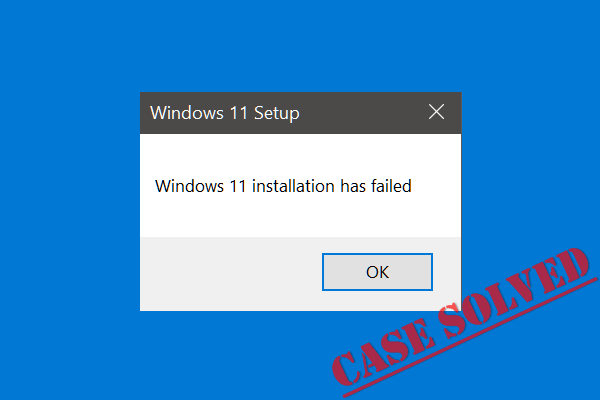
What if you get the error “Windows 11 installation has failed” when using Installation Assistant to make a setup? Refer to this post to find solutions.
Windows 11 memory leak problem causes File Explorer to eat much RAM after an update. Here is what you should do to troubleshoot this issue.
How to get Windows 11 final release? This post shows you how to download Windows 11 official final version ISO and install it on your PC.
Is Snap Layouts not working in Windows 11, especially it is missing in Firefox? How can you get rid of the trouble? Refer to this post to get solutions.