
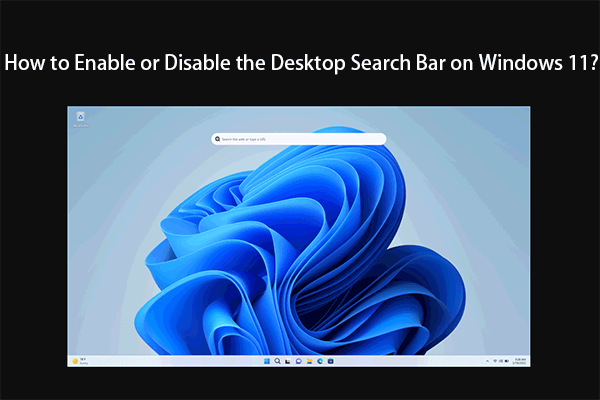
How to Enable or Disable the Desktop Search Bar on Windows 11?
In this post, we will introduce what the desktop search bar is and how to enable or disable the desktop search bar on Windows 11.
By Stella

In this post, we will introduce what the desktop search bar is and how to enable or disable the desktop search bar on Windows 11.
In this post, we will show you how to enable or disable hidden features on Windows 11 using the open-source command line utility ViVeTool.
In this post, we will introduce what ViVeTool is and how to download ViVeTool on your Windows 10 or Windows 11 computer.
In this post, we will introduce what is Windows 11 VPN indicator and how to add the VPN indicator to your Windows 11 device.
If there is no internet after a Windows update, you can try the easy methods mentioned in this post to help you solve the problem.
This post introduces best fixes for common Windows 11 bugs and how to recover data using MiniTool file recovery tool on Windows 11 to solve data loss issues.
In this post, we will briefly introduce what are SSL and SSL certificate. If you are looking for a SSL checker, you can also find one here.
In this post, we will show you how to search on Windows 11, how to manage search settings, and how to recover files that can’t find on your Windows 11 PC.
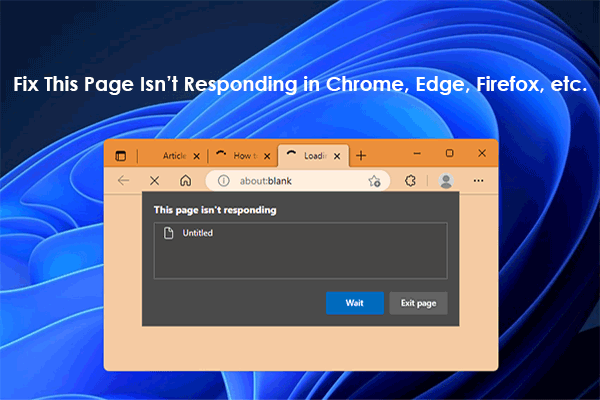
If all webpages or only a webpage is not loading in your browser and there is an error message saying this page is not responding, here are some easy fixes.
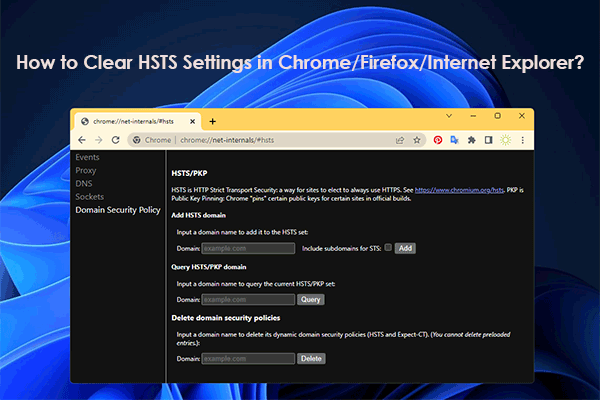
In this post, we will briefly introduce what HSTS is and how to clear HSTS settings in Chrome and Firefox to fix HSTS issues.
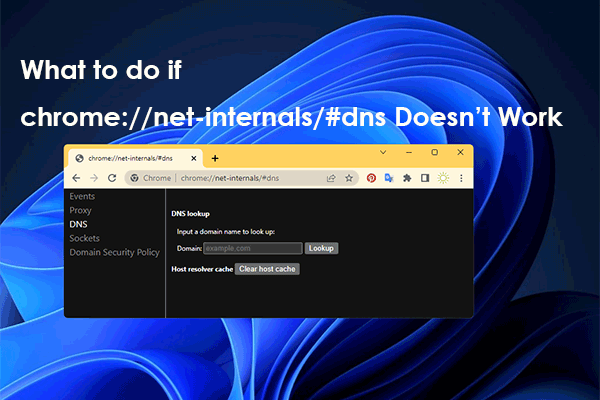
Using chrome://net-internals/#dns can help you clear the DNS cache on Chrome. If chrome://net-internals/#dns doesn’t work, try the methods in this post.
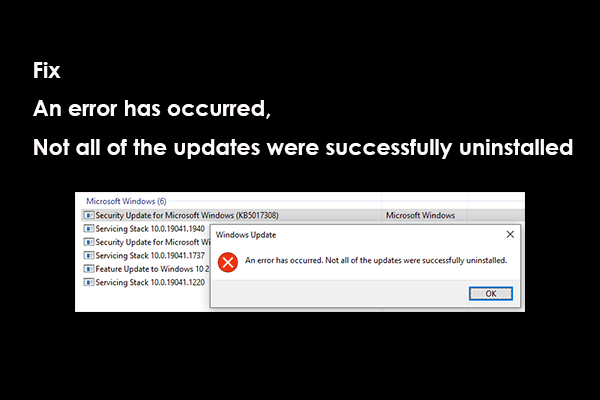
Here are 3 ways you can try when you are bothered by the error of An error has occurred, Not all of the updates were successfully uninstalled.