

Windows 10 In-Place Upgrade: a Step-by-Step Guide
To fix some issues of the installed applications on Windows 10, you may need to perform Windows 10 in-place upgrade. This post will show you how to do this.
By Stella

To fix some issues of the installed applications on Windows 10, you may need to perform Windows 10 in-place upgrade. This post will show you how to do this.

When browsing the webpage on a mobile phone, you may receive “Your system is heavily damaged by Four virus”. The methods in this post can help you.

If your PS4 unrecognized disc, this post introduces some useful solutions that can solve this issue. You can try them one by one to help you out.

In this post, we will show you 4 effective solutions that can solve your Windows 10 Photos not working or Windows 10 Photos app won’t open issue.

If you are bothered by the USB Security Key is not working issue, you can try these solutions that are introduced in this post to help you out.
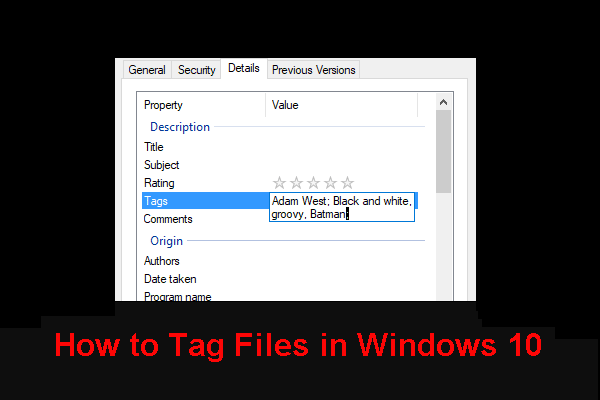
In this post, we will show you how to tag files in Windows 10 and how to use Cortana to search for a file via tags. Then, you can find your needed files easily.

In this post, we show you 7 methods to fix iPhone stuck on verifying update. If your iPhone is verifying update forever, try these methods to help you out.

This post will tell you how to auto login Windows 10 in 3 different methods. Then, you can wake up or start your Windows computer much faster.

To disable unnecessary services in Windows 10 is a good way to reduce the boot time of your computer. This post tells how to disable and what to safely disable.

Are you bothered by Windows 7/8/10 stop code critical structure corruption? Do you know how to fix it? In this post, we introduce some available solutions.
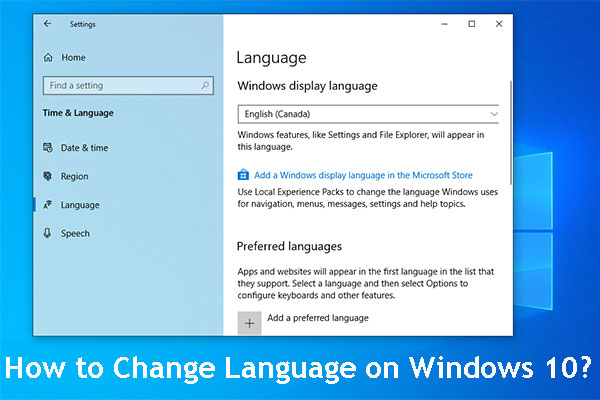
Do you know how to change language on Windows 10? In this post, we will show you what you should do to change Windows System language easily.

If you master these 10 computer mouse tricks for Windows, you can handle your work like text documents, webpage viewing, and more easily and quickly.