
Fixes for Back 4 Blood Not Launching or Crashing in Windows 11
Is Back 4 Blood not launching, crashing on startup or does this game keep crashing in Windows 11? How to fix these issues? Try solutions in this post now.
By Vera

Is Back 4 Blood not launching, crashing on startup or does this game keep crashing in Windows 11? How to fix these issues? Try solutions in this post now.
How to enable or disable Lock Screen Background Motion in Windows 11? Go to this post and you can find some simple methods for this task.
If you get a warning saying “the TPM could not be initialized” in Windows 11, refer to this post and you can find some useful solutions to the error.
Is Quick Settings not working in Windows 11? What should you do if nothing happens when you try to open Quick Settings? Try solutions in this post now.

If you run into the error code 0xC004C003 when you activate Windows 11, what should you do to fix this issue? Go to find solutions from this post.
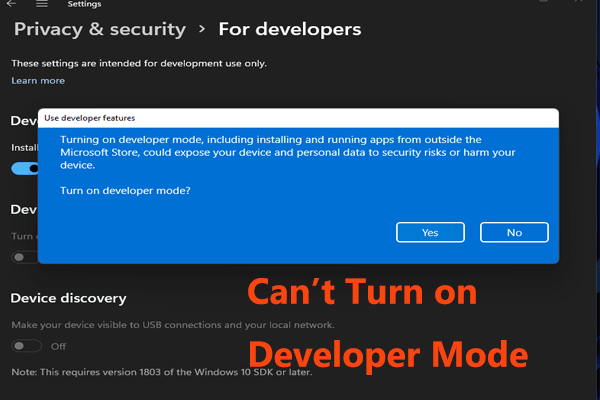
If you can’t turn on Developer Mode in Windows 11, how can you fix this issue? It is not difficult and this post shows you some useful methods.
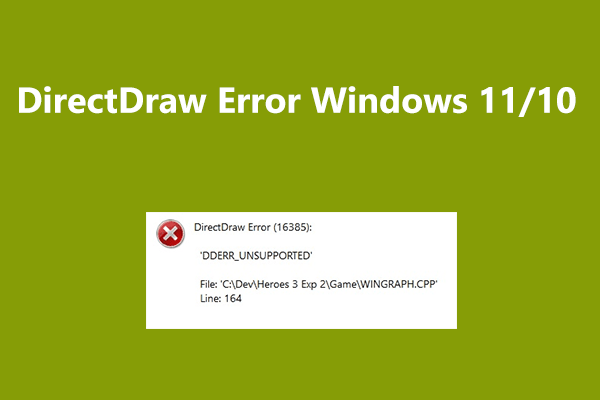
When playing legacy games in Windows 10/11, you may get DirectDraw Error. How can you get rid of this issue? Try solutions in this post now.
How to stop Windows 11 from reopening apps and folders to get a clean desktop? Read this post and you can know what you should do.
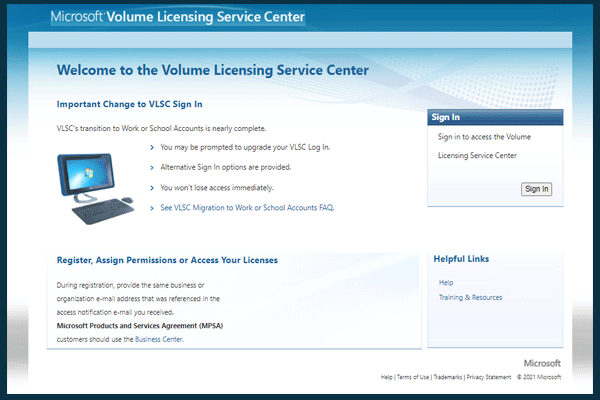
Is Microsoft Volume Licensing login not working in Windows 11? Take it easy and you can go to find solutions to this issue from this post.
How can you downgrade Android 12 to 11 if you don’t like this new system? Read this post and you can find two effective ways for the rollback.

If you find Windows 11 freezes on startup or after upgrade randomly, learn why it occurs and how to fix it via 8 methods.
This post shows you the 10 first things to do after installing Windows 11 so that you can get a great experience when using this new OS.