How to Make or Disable Chrome Always on Top Windows 10
Learn how to make Chrome always on top of other windows in Windows 10 in 3 ways. Also learn how to disable Chrome always on top.
By Alisa

Learn how to make Chrome always on top of other windows in Windows 10 in 3 ways. Also learn how to disable Chrome always on top.
SD card or memory card is locked? Check how to lock or unlock SD card/memory card with 6 methods. Recover data from a locked SD card.
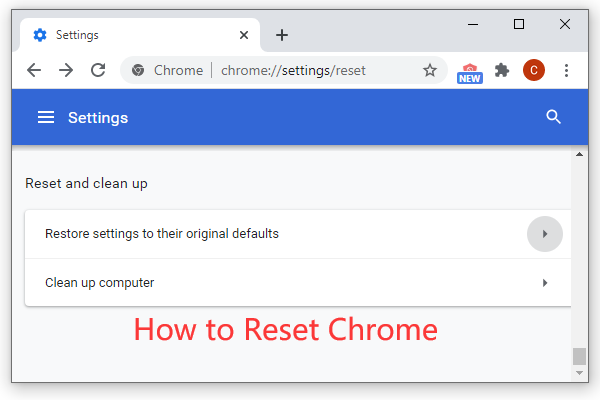
How to reset Chrome? Restore Google Chrome browser settings to default in 2 steps, from the Advanced section of Chrome Settings page.

Learn how to search Google Chrome history by date in 2 ways: through Google My Activity or extension. View Google search history by a specific date/date range.

How to unformat SD card? You can unformat memory card and recover files from formatted SD card with free data recovery software or CMD.

How to restart Chrome without losing tabs? You can type chrome://restart in Chrome address bar to restart it & reopen the tabs. Restart Chrome with a bookmark.
The Discord file size limit for uploading is 8MB, and 50MB with Nitro plan. To bypass Discord file upload limit, you can compress video for Discord, etc.
Learn how to downgrade Chrome version in Windows 10, download older version of Chrome and prevent Windows from automatically updating Google Chrome.
Where is Chrome menu bar? Chrome doesn’t have a traditional menu bar, you can click the three-dot icon at the top-right corner to access Chrome menu settings.
How to copy and paste on Windows 10? This post introduces 5 easy ways and explains some tricks of Windows cut, copy and paste shortcut.
Learn what Google SafeSearch feature is and how to turn off/on Safe Search in Google on computer, Android or iPhone.

The audio is lagging behind the video in Windows 10? Check how to fix audio lag problems in Windows 10 with 5 solutions.