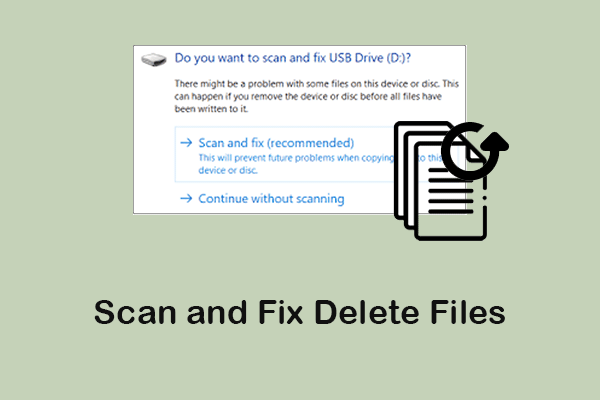
Does Scan and Fix Delete Files? How to Fix It and Recover Data
Use the right steps to deal with the Scan and Fix operation and the best data recovery to restore Scan and Fix delete files.
By Chelsea


Use the right steps to deal with the Scan and Fix operation and the best data recovery to restore Scan and Fix delete files.

This guide explains Recycle Bin Recovery on Windows and Trash Recovery on Mac, showing how to restore permanently deleted files using MiniTool software.
You can find the answer to “where do deleted files go” and learn how to recover normally or permanently deleted files on Windows/Mac.
Do a CF card with backups, data recovery software, or a data service. Troubleshoot your card by running CHKDSK, changing drive letter, etc.
This post explains how to fix the problem of “external hard drive keeps disconnecting” and teaches you to recover lost data during the repair.
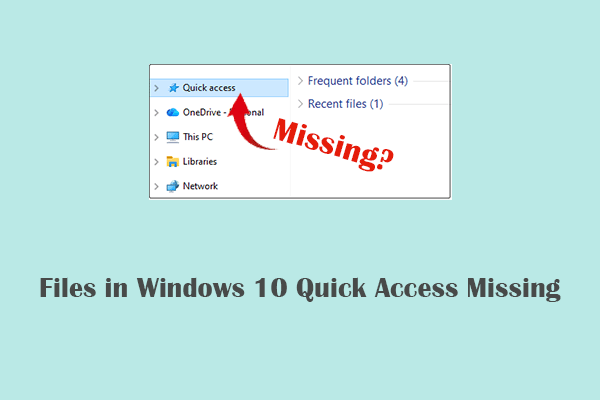
When the problem of files in Windows 10 Quick access missing occurs, try effective solutions in this repair and recovery guide.

This post provides a full guide on how to fix the problem that the hard drive only shows half capacity and how to recover data from the drive.

When you encounter the Preparing Automatic Repair loop on Windows 10/11, refer to the effective solutions in this article.
You can quickly recover Shift deleted files without bringing any damage to the original data by using the ways listed in this post.
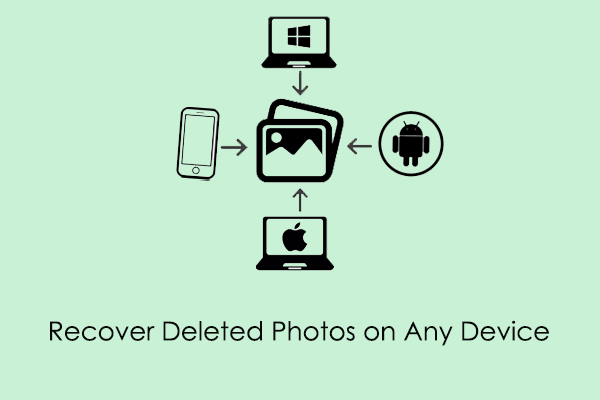
Want to recover deleted photos on any device? This guide tells you reliable methods and the best recovery tools for Windows, Mac, Android, and iPhone.
This post teaches you how to recover Windows Defender deleted files, including using the Quarantined Items folder, backup files, or data recovery software.
Try Backup files, File History, or data recovery software to recover deleted files from an SD card. And fix your card by updating drivers, formatting, etc.