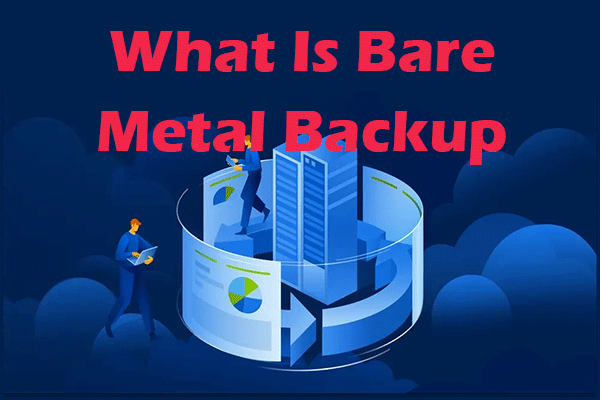
Full Guide – Bare Metal Backup and Restore for Windows PC?
This guide can help you understand bare metal backup and bare metal restore including its definition, how it works, and its benefits.
By Nan

This guide can help you understand bare metal backup and bare metal restore including its definition, how it works, and its benefits.
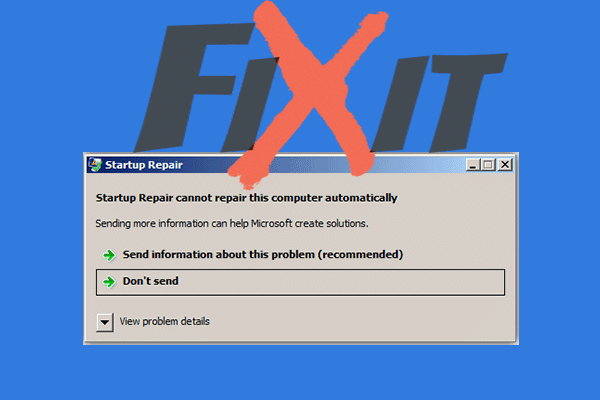
Facing the error “Startup Repair cannot repair this computer automatically”? Get the targeted solutions from this guide.
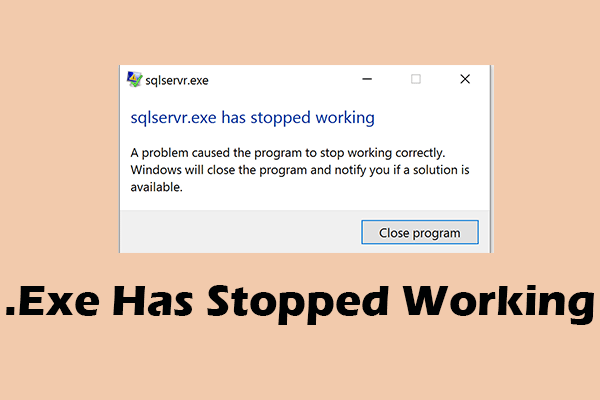
What is .exe? Why did it stop working? How to fix the error .exe has stopped working? Read this post to find the answers.
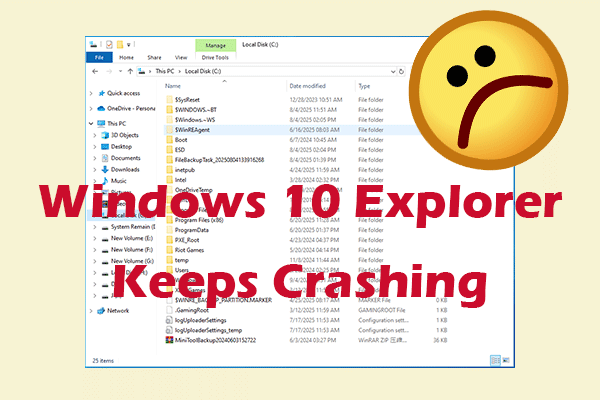
Windows 10 Explorer keeps crashing without notice? Dive into the causes and solutions to save your device now.
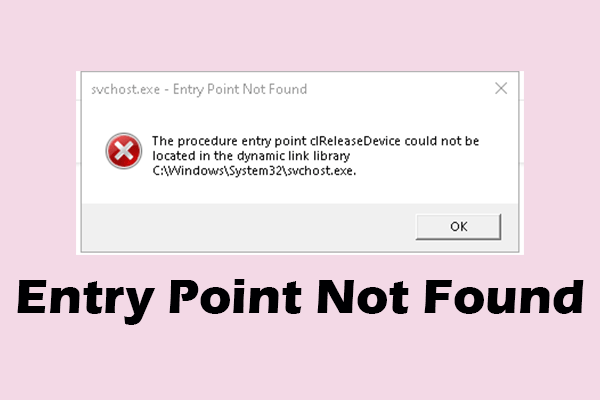
What does entry point not found mean? Are there any effective ways to deal with it? This article covers the answers you need.

What makes a computer fast? You can uninstall unused applications, disable startup programs, free up disk space, upgrade your SSD, and more.
Windows Update keeps turning off? Don’t worry, you can find the reasons behind and some trusted solutions in this article.
There is a need for you to make external hard drive bootable Windows 10 in case that your operating system is crashed or you don’t want to use the original one.
Try out the safest and easiest ways to transfer files from PC to PC and discover multiple solutions tailored to your specific needs.

Read this guide to learn how to use the User State Migration Tool to migrate your settings, documents, and programs across PCs.
Learn what bad sectors on hard drive are, causes, symptoms, and solutions. Protect data with repair tips, disk cloning, and backup methods.
You encountered the error could not find the recovery environment and do not know how to fix it? Get to know the best solutions.