How to Solve Windows 10/11 File Explorer Keeps Opening?
What can you do if File Explorer keeps opening? You can restart File Explorer, modify autoplay, scan for viruses, check for files, etc.
By Nan

What can you do if File Explorer keeps opening? You can restart File Explorer, modify autoplay, scan for viruses, check for files, etc.
Windows 10 Explorer keeps crashing without notice? Dive into the causes and solutions to save your device now.
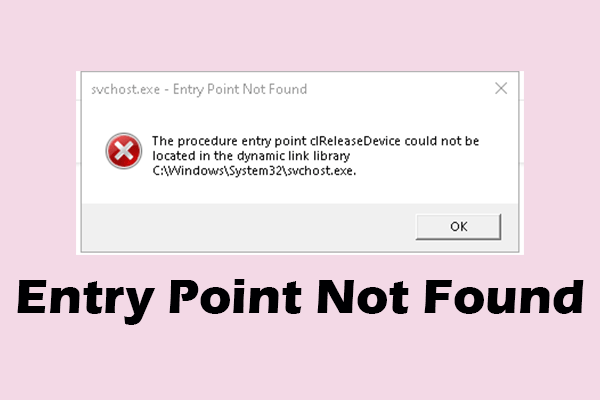
What does entry point not found mean? Are there any effective ways to deal with it? This article covers the answers you need.
What makes a computer fast? You can uninstall unused applications, disable startup programs, free up disk space, upgrade your SSD, and more.
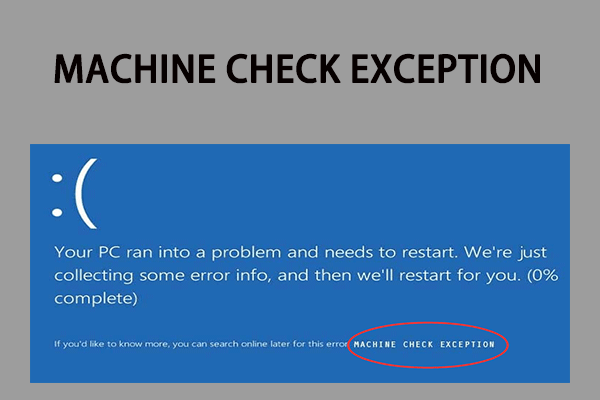
What is the BSOD stop code MACHINE_CHECK_EXCEPTION? Why would you encounter MACHINE CHECK EXCEPTION? How to fix it? This post can help you.

If your PC is infected with Powershell.exe virus, your PC may act strangely. Luckily, you can find fixes to remove the virus in this post.
Do you have a problem with OneNote not syncing in Windows 10/11? This guide discusses its causes and several different helpful solutions.
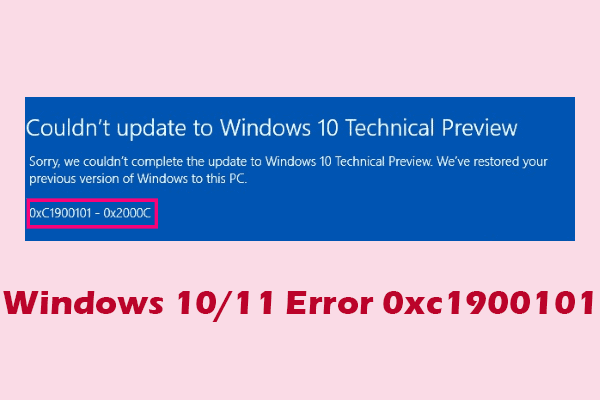
If your device encounters one of the 0xc1900101 errors, this article can explain the causes of the error and the corresponding fixes for you.
Windows Update keeps turning off? Don’t worry, you can find the reasons behind and some trusted solutions in this article.
If you want to factory reset Windows 10 from Command Prompt since the computer doesn’t work correctly, read this post to reset it easily.
There is a need for you to make external hard drive bootable Windows 10 in case that your operating system is crashed or you don’t want to use the original one.
When you meet the problem “OneDrive sync pending”, you can refer to this article, which shows some detailed fix steps.